Time a video script with pauses and actions
Build a realistic video timing budget that includes speech, pauses, and demonstrations, with a worked example and a practical trimming order.
 EasyLines team7 min read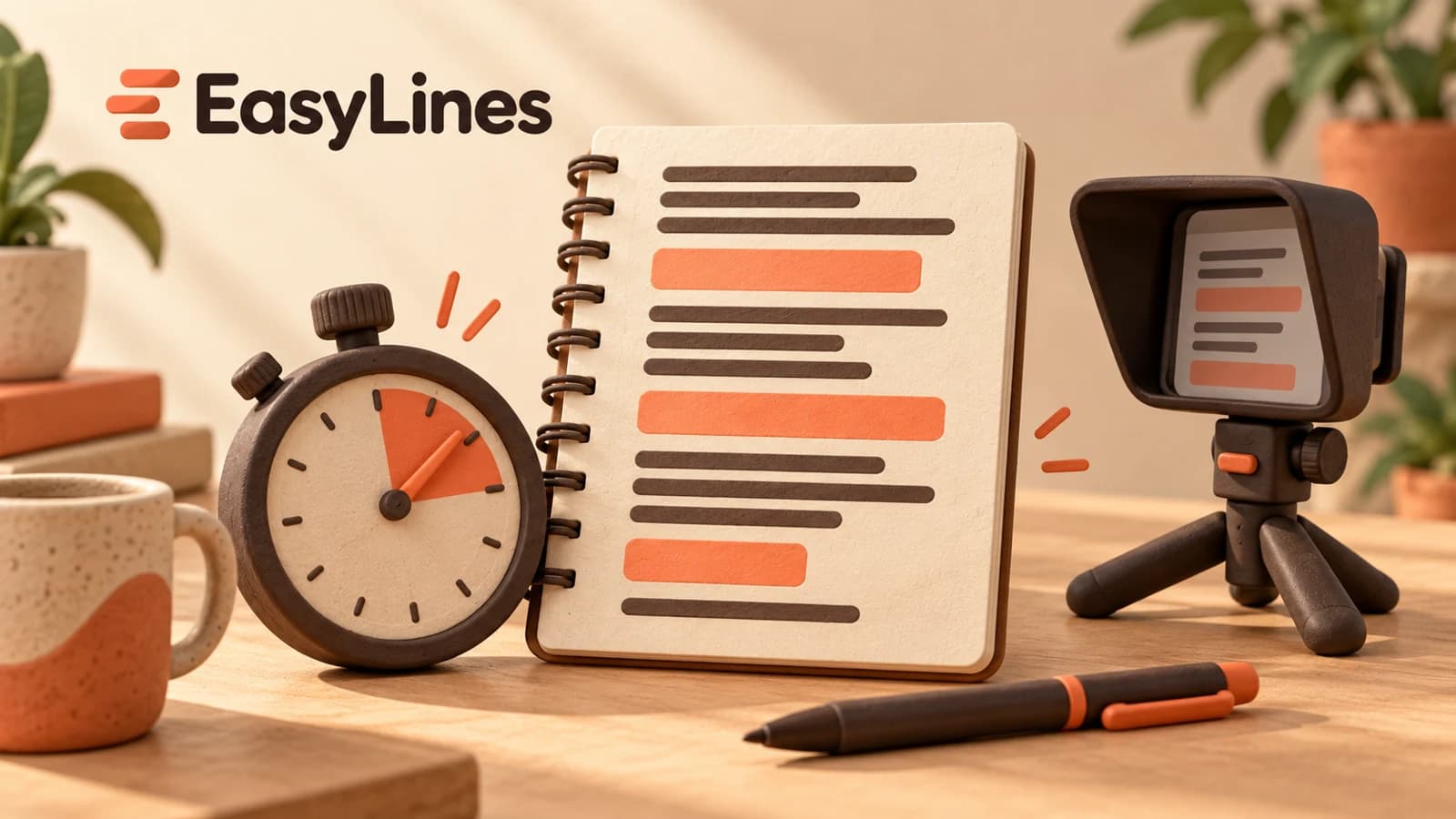
AI-generated editorial illustration.
On this page 7 sections
- 1. Decide what the duration actually includes
- 2. Mark speech, quiet actions, and overlapping actions
- 3. Work through a forty-five-second example
- 4. Cut in an order that protects the explanation
- 5. Run the complete sequence and keep a short log
- 6. Hand off a timed script someone else can understand
- 7. Frequently asked questions
To time a video script, measure the words at your normal delivery pace, add pauses and actions that happen without speech, and count simultaneous speech and action only once. Then rehearse the complete sequence. A word-count estimate cannot tell you how long a cap takes to unscrew or how much time a viewer needs to see a detail. Build a small timeline before cutting words.
Decide what the duration actually includes
Write the target duration at the top of the script and define its start and finish. Is a forty-five-second assignment measured from the first visible frame to the last, or is forty-five seconds only the speaking section? Ask whoever receives the video if the brief is unclear. An opening title, a final product hold, or a silent demonstration still occupies time in the finished piece even when your script has no words for it.
Separate the finished duration from the raw recording duration. You may leave quiet space before the first sentence and after the last sentence to help an editor make a clean cut. Those recording handles do not all have to appear in the final video. Sunderland City Council’s filming guidance recommends space around speech for editing. That supports leaving room in the recording; it does not make every pause part of the final timing budget.
Choose one consistent timing convention for the rehearsal. For example, start the timer when you begin the first intended spoken or visible beat and stop after the intended final hold. Use that convention on the next attempt. If one trial includes your reach toward the record button and another excludes it, their totals answer different questions.
Mark speech, quiet actions, and overlapping actions
Make a planning copy of the script with three kinds of notes. Mark speech for words that must be heard. Mark quiet action for a movement or detail that needs its own time. Mark overlap when you can speak while the viewer sees the action clearly. Keep these directions in your planning notes rather than treating them as dialogue to read from the prompter.
An action does not automatically need a separate time allowance. You might say a short sentence while placing a bottle on a table. If the placement and sentence each fit comfortably inside the same five seconds, that beat lasts five seconds, not ten. Conversely, if you need to stop speaking to open a difficult lid, the opening belongs in its own measured interval.
Do not force overlap simply to reduce the total. A hand covering the mechanism, a label turning away from the camera, or speech that describes the next step before the current action finishes can make the result harder to understand. Rehearse with the actual object. Mark the moment when the useful detail is visible, not merely the moment when your hand begins moving.
Work through a forty-five-second example
Here is a hypothetical plan for a refill-bottle demonstration. The numbers illustrate the method; they are not measured results or recommended durations for every creator. Suppose the assignment is forty-five seconds including the final hold. You allocate five seconds to introduce the situation, eight seconds to explain and show the opening mechanism, six seconds to fill the bottle without speaking, fourteen seconds to explain and show closing it, seven seconds to the next step, and three seconds to a final quiet hold.
The planned total is five plus eight plus six plus fourteen plus seven plus three, which equals forty-three seconds. The remaining two seconds are a planning margin against the forty-five-second target. The opening-mechanism beat already includes both speech and hand movement. Adding another eight seconds for that same movement would count it twice and produce a misleading fifty-one-second estimate.
Now imagine a rehearsal takes forty-nine seconds. Reviewing the beats shows that filling needed nine seconds rather than six, and the closing explanation needed seventeen rather than fourteen. Those two changes add six seconds to the forty-three-second plan, producing forty-nine seconds. You have located the extra time. You can now revise a specific explanation or demonstration instead of trimming random words throughout the whole script.
Cut in an order that protects the explanation
Begin by removing a repeated idea. If the introduction says the bottle is easy to open and the next sentence explains the same point again, keep the version that leads directly into the visible action. Then shorten setup language that does not help the viewer understand what happens. Finally, consider whether a secondary detail belongs in a different video. These cuts preserve the main demonstration rather than making every sentence slightly more frantic.
In the hypothetical rehearsal, you might remove a four-second aside from the closing explanation. Forty-nine seconds becomes forty-five seconds. That reaches the target but leaves no margin. A further two-second reduction in the introduction would return the plan to forty-three seconds. Check the revised read rather than assuming a deleted phrase always saves exactly the time you assigned to it.
Keep necessary pauses. A brief look at the closed lid may be the only moment when the viewer can tell whether it is seated correctly. Cutting that moment while retaining a decorative adjective solves the timer and weakens the answer. If the required content still cannot fit at a comfortable pace, return to the brief with the measured conflict and propose a smaller scope or a longer deliverable.
Run the complete sequence and keep a short log
After a speaking-only pass, rehearse once with every required object and movement. Use the same starting position as the intended take. A bottle that begins in your hand creates a different sequence from one that starts across the table. Include any pause needed to show the result. Record the trial if possible so you can review where the timing changed without relying on memory.
Keep a simple note: script version, target, actual duration, slowest beat, and next change. For example, “version three; forty-five target; forty-seven actual; lid explanation; remove the repeated instruction.” The note is an authored planning method, not an EasyLines timing feature. Avoid changing the words, object placement, and speaking pace together when one specific revision will answer the question.
When the timing works, check that the ending remains audible and complete. A sentence squeezed into the final second can look acceptable on a timer while sounding unfinished. Leave enough room to finish the thought and hold the final picture you planned. Repeat only where a meaningful change needs checking; more identical reads are not a substitute for deciding what caused the overrun.
Hand off a timed script someone else can understand
Keep the spoken version clean and preserve the timing plan separately. Identify which actions overlap the words and which require quiet footage. An editor should be able to see that the six-second filling moment is intentional, rather than discovering a gap with no explanation. Label the version you actually recorded so an earlier, longer draft does not become the reference by accident.
Use the short-script guide when you need to simplify the underlying idea. The worked UGC script helps connect an opening, demonstration, and next step. This timing pass comes after those content decisions: it asks whether the actual words and actions fit the time available.
EasyLines is preparing to launch as a teleprompter and recorder. Join the waitlist if keeping your prepared lines near the camera would help your recording process. Keep timing and action notes in the planning workflow you already use, and judge the final result from a complete rehearsal rather than a promised words-per-minute formula.
Frequently asked questions
Can I estimate duration from word count?
Use it only for a rough first plan. Time your own read and add any action or pause that happens outside the speech.
Do I add demonstration time to speaking time?
Only when they happen separately. If they overlap, measure that combined beat once.
Should I speed up to meet a fixed brief?
First remove repeated setup or reduce scope. Check that the actual demonstration and important wording remain understandable.
Do recording handles count toward the target?
They occupy the raw recording, but only the portions retained in the finished video count toward its duration.
Sources and further checks
Coming to iPhone and iPad
Put your next script on EasyLines.
A little help with the words. More room to be yourself. Join the waitlist and we’ll email you at launch.