Teleprompter for iPhone & iPad
Coming to iPhone and iPad. Get notified at launch.

Okay, real talk. I tried every desk lamp under fifty dollars so you don't have to. This one surprised me. It clamps on, it dims all the way down, and it charges my phone. Honestly? I'm keeping it.

Made for
- UGC ads
- Product reviews
- Short-form video
- Courses
- Podcasts
- Vlogs
Three steps to a natural take
- 1
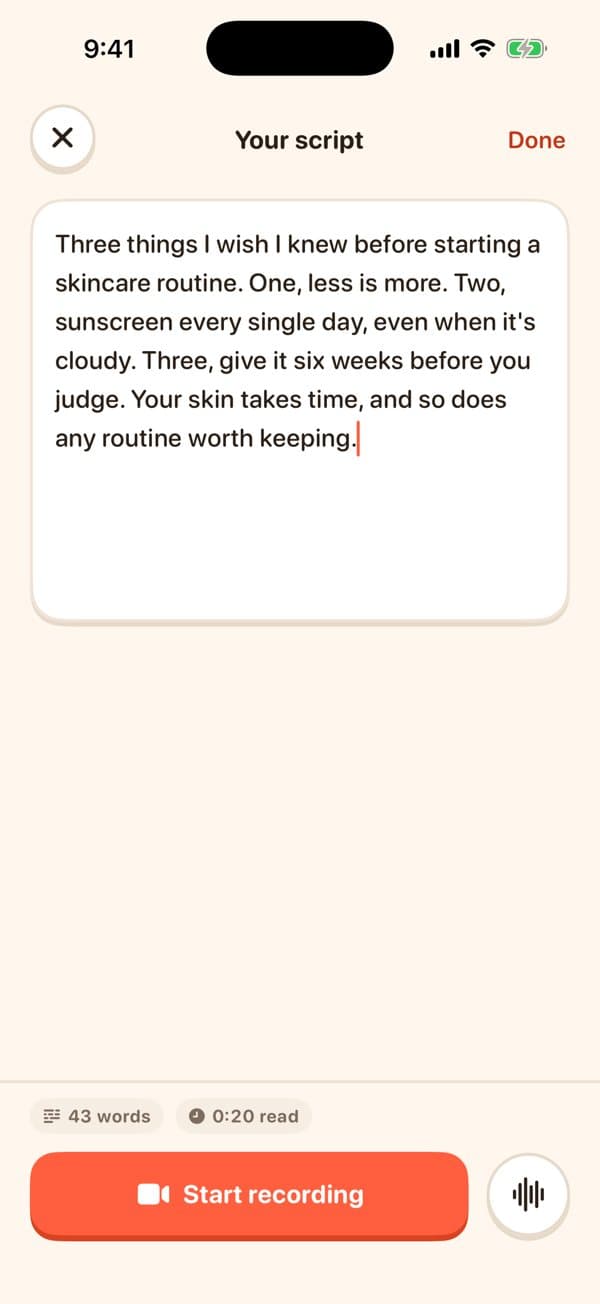
Paste your script
Write it the way you talk, or paste it from anywhere. EasyLines shows the word count and how long it reads.
- 2
Hit record
A short countdown, then you're rolling. Your lines sit right under the lens, so your eyes stay on camera.
- 3
Just talk
The script moves as you speak and waits when you pause. Prefer a steady pace? Switch to auto-scroll and set the speed.

Follow my voice
It keeps your pace.
Not the other way around.
EasyLines listens while you record and keeps the next line in view. Slow down, ad-lib, take a breath: the script follows. Speech recognition runs on your device, so your voice never leaves it.
- Text size and scroll speed you can adjust mid-take
- A mirrored preview, so moving feels natural
- Takes saved on your phone, one tap to Photos
Scroll to read it out loud
Okay, real talk. I tried every desk lamp under fifty dollars so you don't have to. This one clamps on, dims all the way down, and charges my phone.

A coach that keeps you showing up
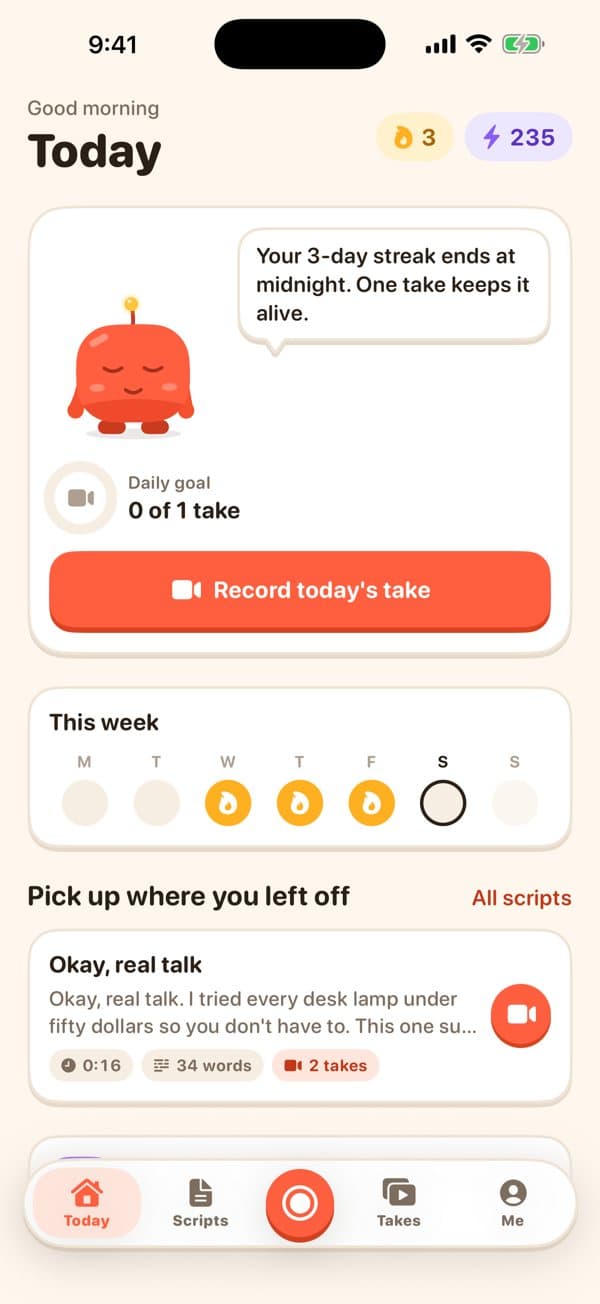
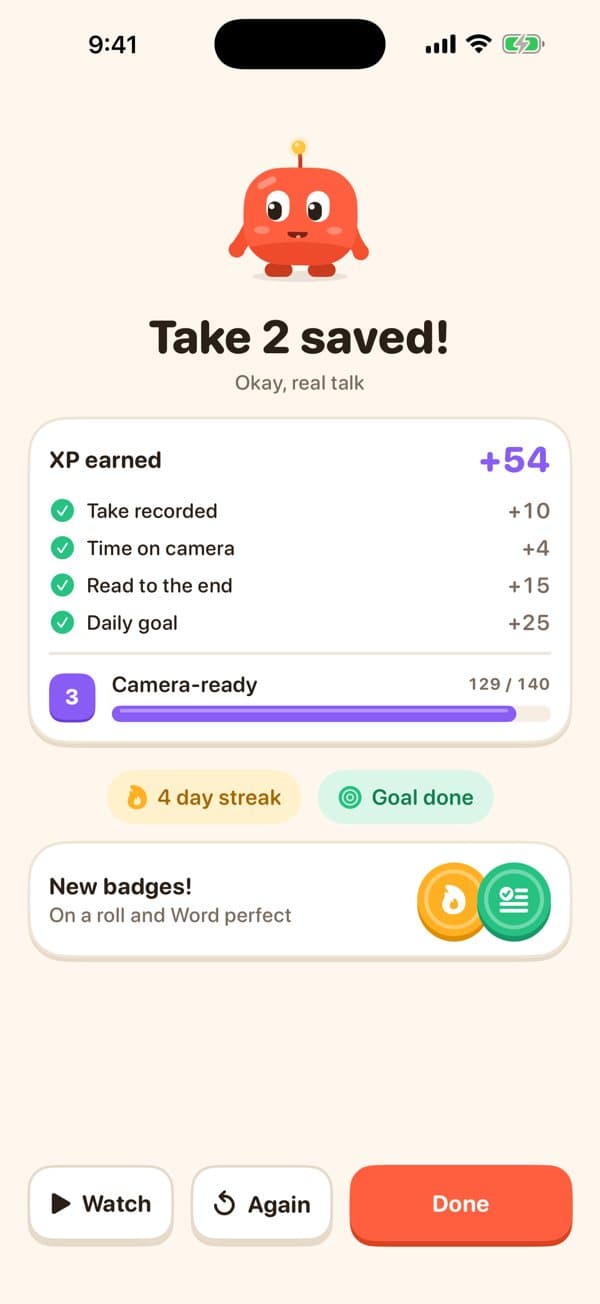
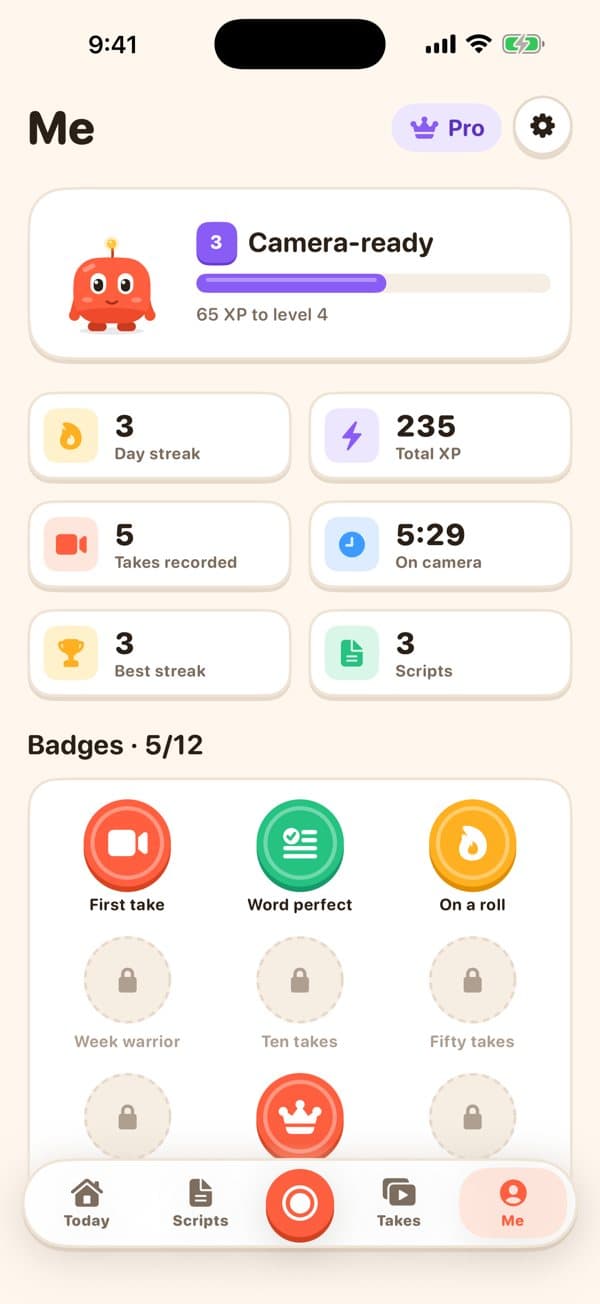
Getting comfortable on camera is a habit. Meet EasyLines: set a daily goal, keep your streak alive, earn XP for every take and collect badges as you level up.
A little help for your next take
From the EasyLines blog.
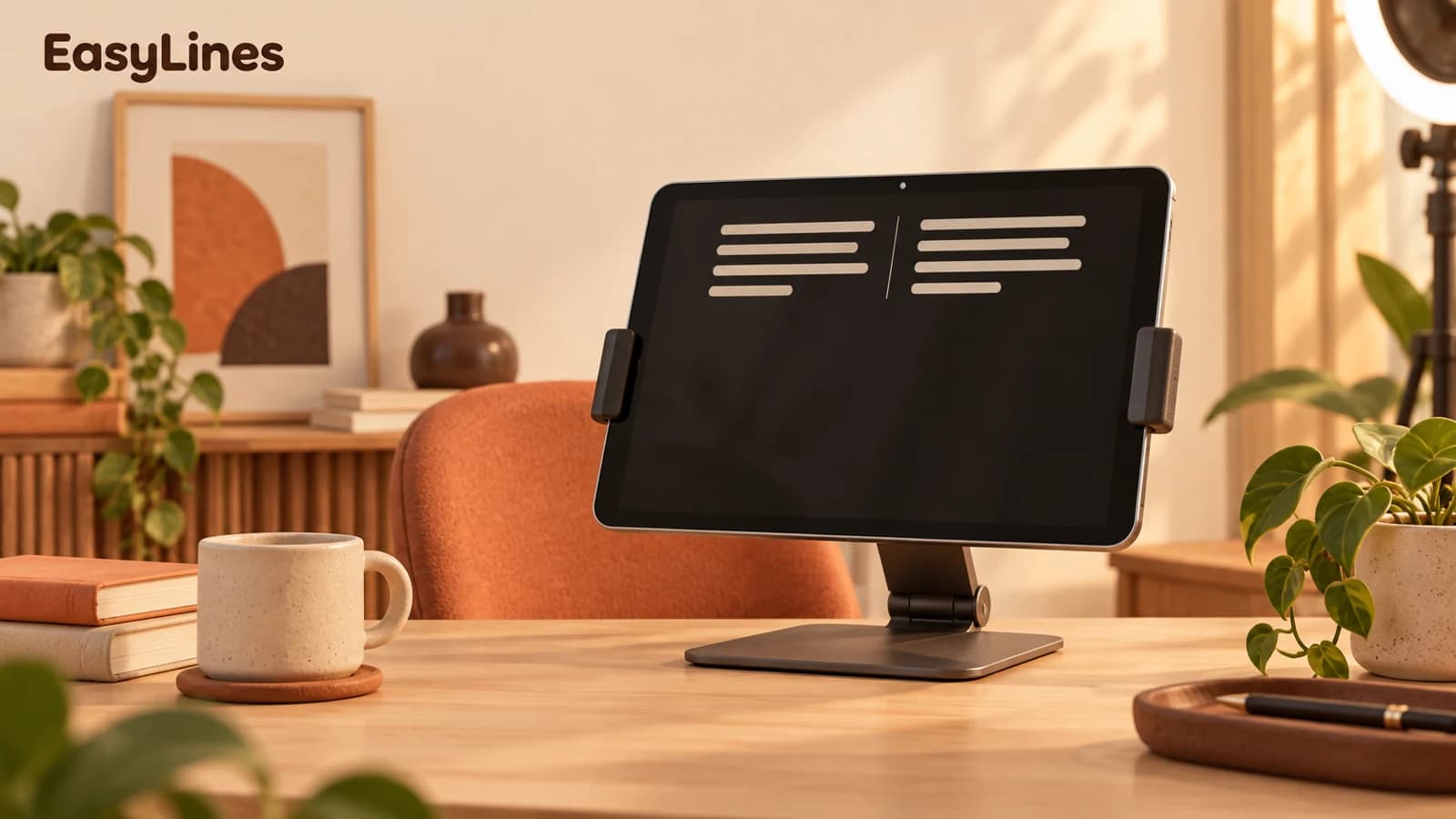
iPad teleprompter setup: lens, lines, and distance
Set up an iPad teleprompter with comfortable line width, a stable stand, and a short recording check before your full take.
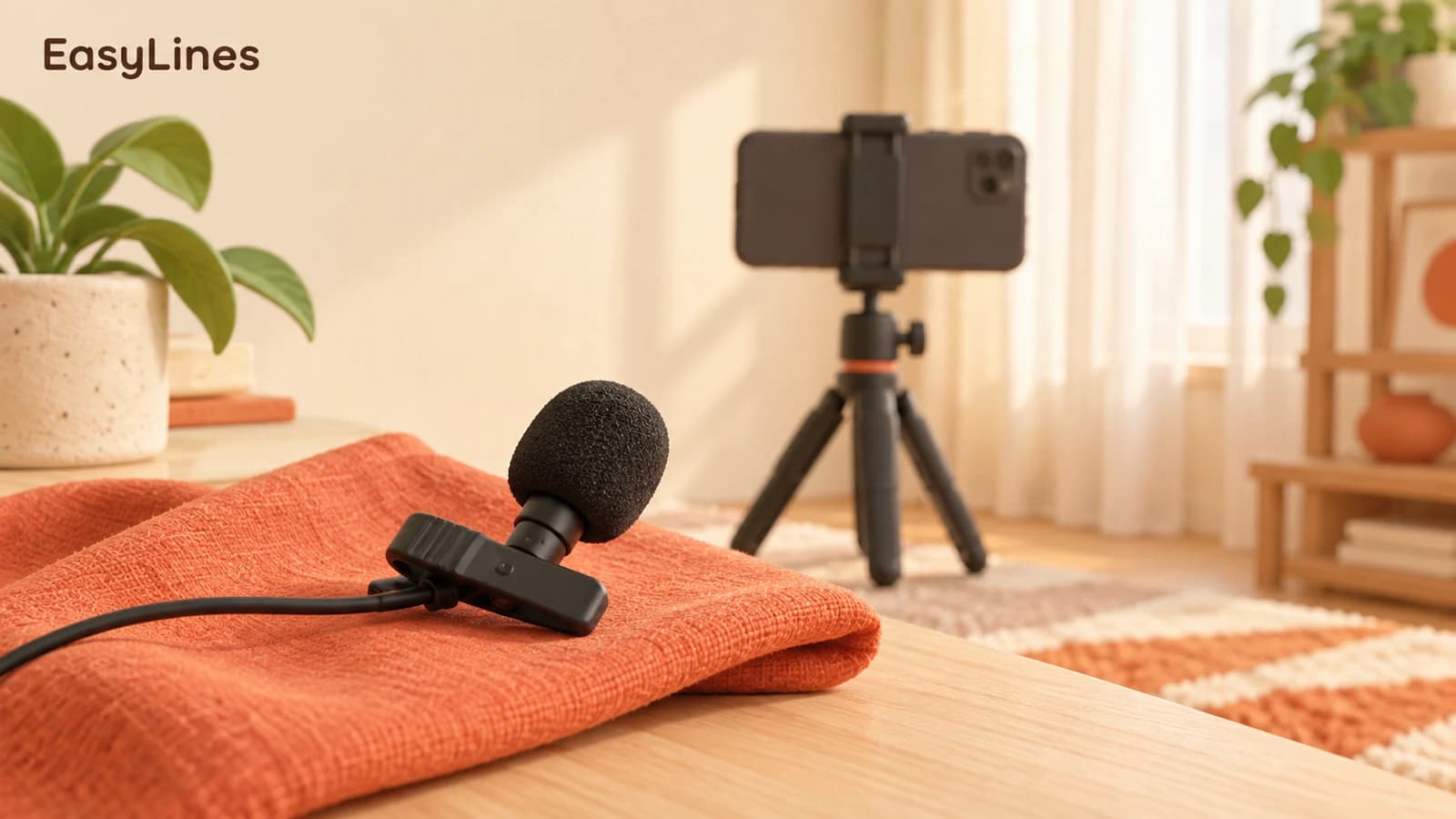
Clear audio for phone video: a practical sound check
Find the cause of quiet, echoing, or distorted phone-video audio with a repeatable recording test before buying another microphone.
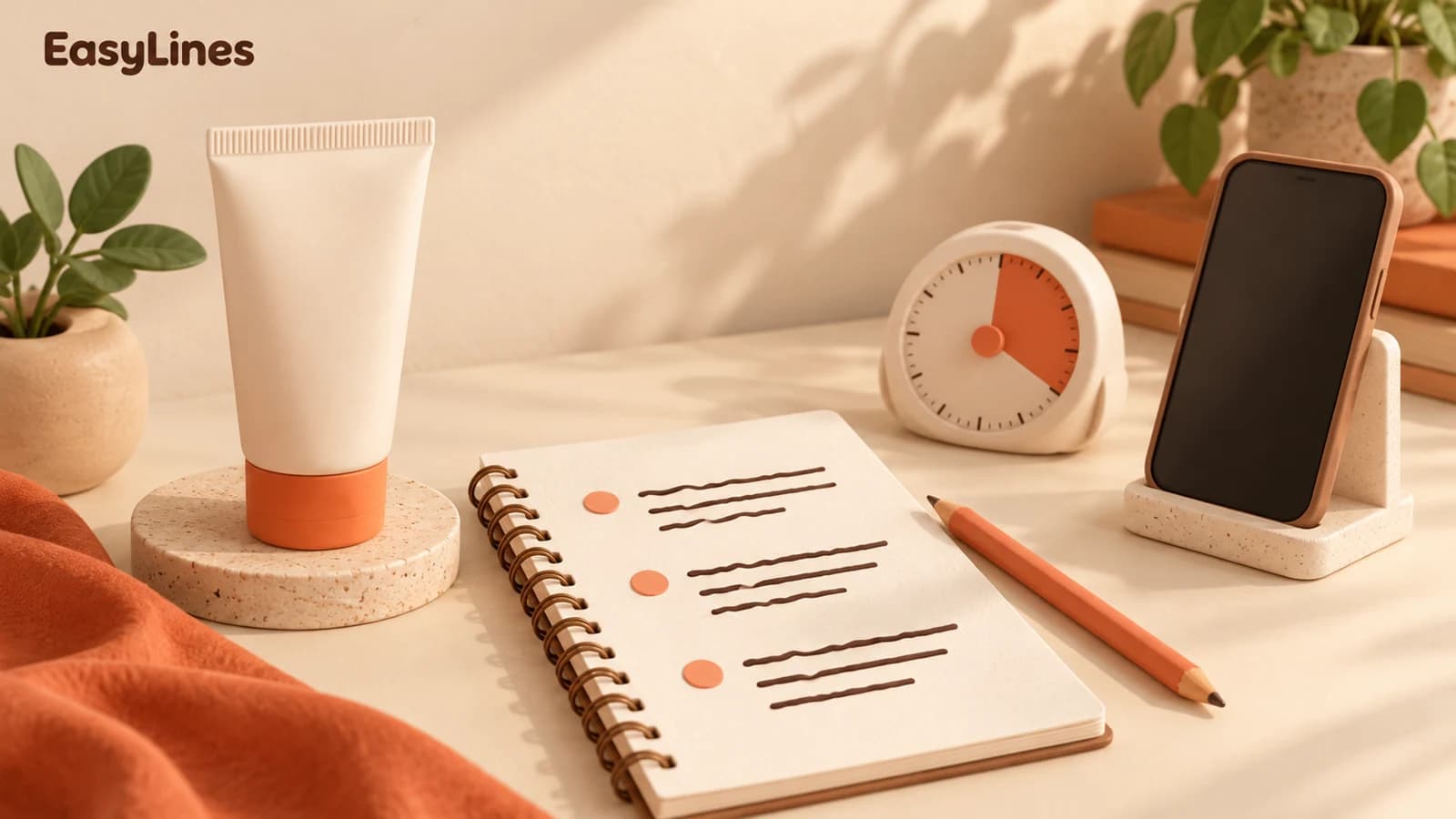
A 30-second UGC script with a worked example
Write a focused UGC product video with a clear opening, one visible demonstration, and an honest next step. Includes a sample script.
Questions
EasyLines is preparing to launch. Join the waitlist at the top of the homepage and we will email you when it is ready to download.
iPhone with iOS 18 or later, and iPad with iPadOS 18 or later. The launch announcement will confirm availability.
No. Paste or write your script, read it aloud once, and keep the next line near the camera. You can adjust the text size and pace to suit your delivery.
Yes. Switch to auto-scroll and choose your pace under Adjust in the recorder. A short practice read helps you find a comfortable speed.
With Follow my voice on, the script waits for you to speak. Check microphone and speech-recognition permission in Settings. If voice following is unavailable, use auto-scroll and adjust the speed.
Voice following uses on-device speech recognition. Where that recognition is unavailable, EasyLines uses auto-scroll instead. Your voice is not sent to our server for transcription.
Takes are saved on your device. You choose whether to save them to Photos or share them elsewhere; account backup does not upload your recording files.
You can record without an account. An optional account backs up your scripts and progress, so you can restore them on another device.
Recordings stay on the device where you made them. Save or share important takes before replacing it. Sign in with the same account to recover backed-up scripts and progress.
Use the Apple Account that purchased the subscription, open the Pro screen, and tap Restore. Signing into your EasyLines account alone does not replace the App Store purchase restore.
Open Settings on your iPhone or iPad, tap your name, then Subscriptions. Select EasyLines to manage or cancel it. You can also open Manage subscription from EasyLines Settings. Deleting the app or your EasyLines account does not cancel an Apple subscription.
EasyLines focuses on reading your script and recording your delivery. Export a take to your preferred editing or captioning app if you need those finishing steps.
In EasyLines, open You, Settings, Account, then Delete account. The Delete your account page on this website explains what is removed. Save any material you want to keep first.