A 30-second UGC script with a worked example
Write a focused UGC product video with a clear opening, one visible demonstration, and an honest next step. Includes a sample script.
 EasyLines team6 min read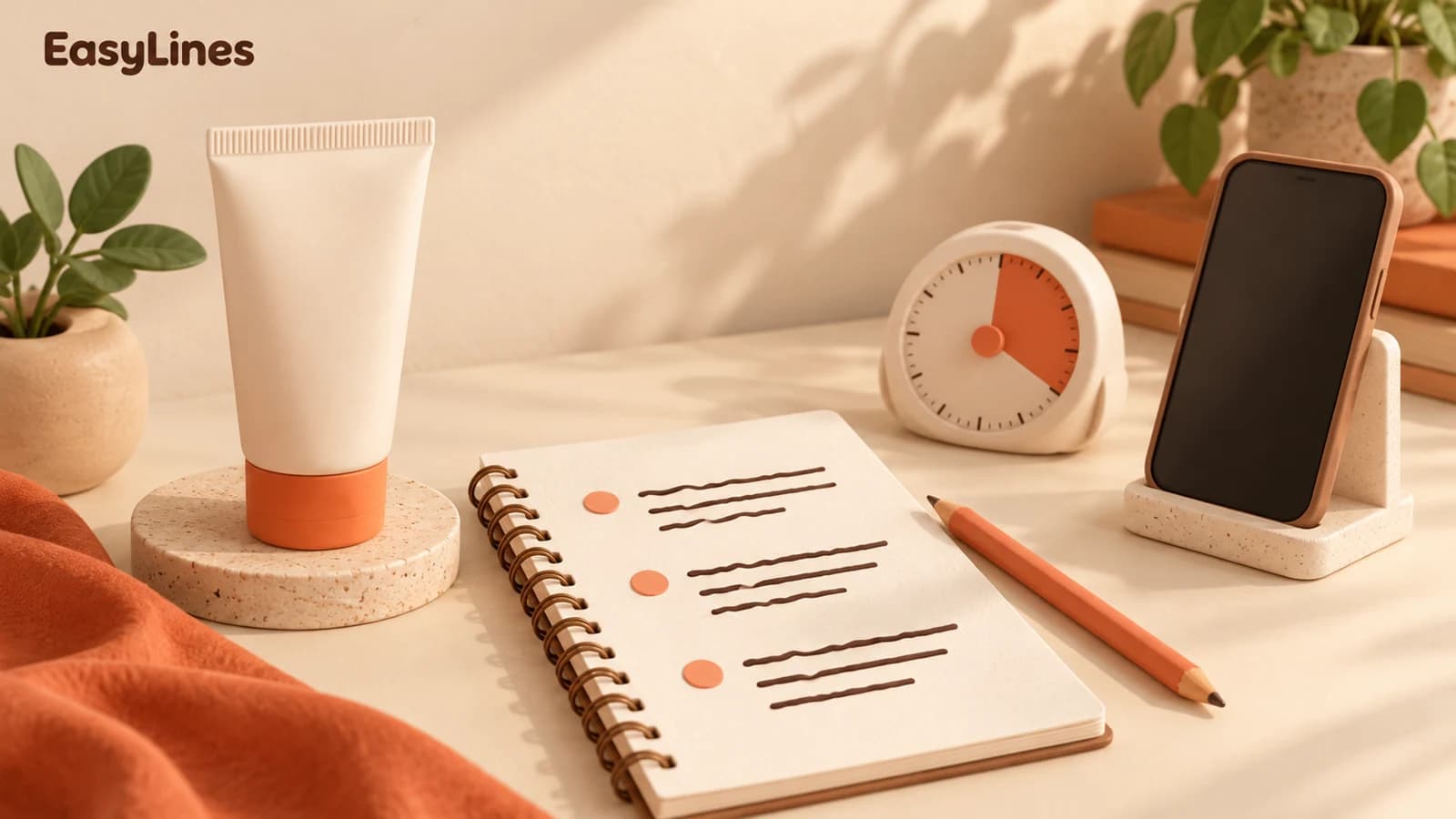
AI-generated editorial illustration.
On this page 7 sections
- 1. Choose one product job and one viewer
- 2. Draft a hook, a demonstration, and a next step
- 3. Read this sample as a draft, not a fixed template
- 4. Map every important sentence to something visible
- 5. Hand off the script with clear production notes
- 6. Time the actual delivery and check the claims again
- 7. Frequently asked questions
A useful 30-second UGC script gives one viewer a reason to care, demonstrates one product benefit, and ends with one clear next step. Draft those three beats before you worry about a perfect hook. Then read the whole script with a timer, including the product actions. The example below is a planning exercise, not a promise of advertising results.
Choose one product job and one viewer
Imagine a desk lamp intended for someone who reads beside a small table. A vague script might promise better productivity, a nicer room, easier studying, and excellent video lighting at once. Pick one job you can actually demonstrate. For this example, the job is directing light onto a page without moving the whole lamp. That choice tells you what to say and what the camera needs to see.
Write a short claim list before drafting. Separate what you personally observed from what a manufacturer states and what you have not checked. A movable neck can be shown. A claim that a lamp prevents headaches needs a very different level of evidence and should not be invented. If the brief includes a required claim, ask for the approved wording and evidence rather than improvising a stronger version.
Draft a hook, a demonstration, and a next step
TikTok’s creative guidance describes a hook, body, and close as a useful structure. Treat that as an organizing aid rather than a guarantee of performance. The opening identifies the specific situation, the body shows the useful action, and the ending tells the viewer where to learn more or what to check. Each beat should earn its place in this particular video.
For the lamp example, the opening could name the problem of light landing on the wrong part of a small desk. The demonstration shows a hand changing the angle while the base stays still. The ending tells someone to check the dimensions and fitting details on the product page. That is more useful than ending with a generic claim that everyone needs the product immediately.
Read this sample as a draft, not a fixed template
Try this spoken draft: “My desk is small, so I wanted the light on the page, not across the whole room. With this lamp, I can turn the head toward the book without shifting the base. Here’s the same page before and after I move it. If you’re choosing one for a small table, check the base size and the adjustment range on the product page.”
This script intentionally leaves time for moving the lamp and holding the comparison. Whether it fits thirty seconds depends on your own delivery and the demonstration. Read it aloud while doing those actions. If it runs long, remove a secondary explanation before increasing your speaking speed. Do not cut the moment that proves the useful point just to keep an extra adjective.
Map every important sentence to something visible
Mark each line as talking head, demonstration, or close-up. Keep the opening on your face if your expression helps the viewer understand the situation. When you say you can turn the head without moving the base, show both parts in the frame. If the product leaves the picture at that moment, the audience has to take your word for a claim you could have demonstrated.
Record the spoken lines together while the camera and lighting are consistent. Then collect the detail shots. This filming order does not have to match the finished sequence. Leave a short clean pause before and after each useful action so you have room to assemble the video in your editing app. EasyLines can hold the spoken script while you record; it is not the editor that assembles those shots.
Hand off the script with clear production notes
Send the spoken script together with a short description of the demonstration. For the lamp example, specify that both the base and moving head must be visible, and that the page comparison should use the same camera position. Otherwise a reviewer may approve the words while imagining a completely different shot. Ask which parts of the brief are fixed and which can change naturally in your delivery.
Keep proposed variants small enough to compare. You could test an opening about desk space against an opening about aiming the light, while keeping the demonstration the same. Label them by the actual difference rather than calling every version final. A client or editor can then identify what changed without listening to the entire set again. Do not interpret the presence of two variants as evidence that either will perform better.
The product-video shot list helps turn approved claims into visible actions. The short-script writing guide is useful when the draft still sounds written rather than spoken. Finish with one timed rehearsal and a saved test. Join the EasyLines waitlist if keeping those approved words beside the camera would simplify your next recording session.
Time the actual delivery and check the claims again
Make a rehearsal with your normal pace and a timer. Count the product movement, not just the words. If you must choose between a fast list of benefits and one calm demonstration, keep the demonstration that answers the viewer’s question. Replace written phrases that trip you up with language you would use to explain the product to one person across the table.
Before delivering the video, check the brief, product details, and any disclosure requirements that apply to the work. Do not invent a discount, personal experience, sponsorship disclosure, or product result. Keep an alternative opening if the client wants another angle, but label the files clearly so the approved claims stay attached to the right version. Save the finished take, then join the EasyLines waitlist if a script beside the camera would help your next recording.
- One viewer and one product job.
- One claim you can support and show.
- A timed read that includes the actions.
- One concrete next step that matches the brief.
Frequently asked questions
How many words fit into thirty seconds?
Time your actual delivery, including pauses and actions. Word count alone is not a reliable limit for a product demonstration.
Do I need a dramatic hook?
A specific relevant opening is enough to start a useful draft. Avoid an exaggerated claim that the demonstration cannot support.
Should every sentence be talking head?
No. Show the product when an action or detail explains the point more clearly than a face-to-camera line.
Does EasyLines generate the finished ad?
No. It helps you read and record your spoken script. Use your preferred editor to assemble demonstrations and other shots.
Sources and further checks
Coming to iPhone and iPad
Put your next script on EasyLines.
A little help with the words. More room to be yourself. Join the waitlist and we’ll email you at launch.