A simple shot list for your next UGC product video
Plan the talking, the demonstration, and the detail shots before you press record. Includes a reusable shot list.
 EasyLines team3 min read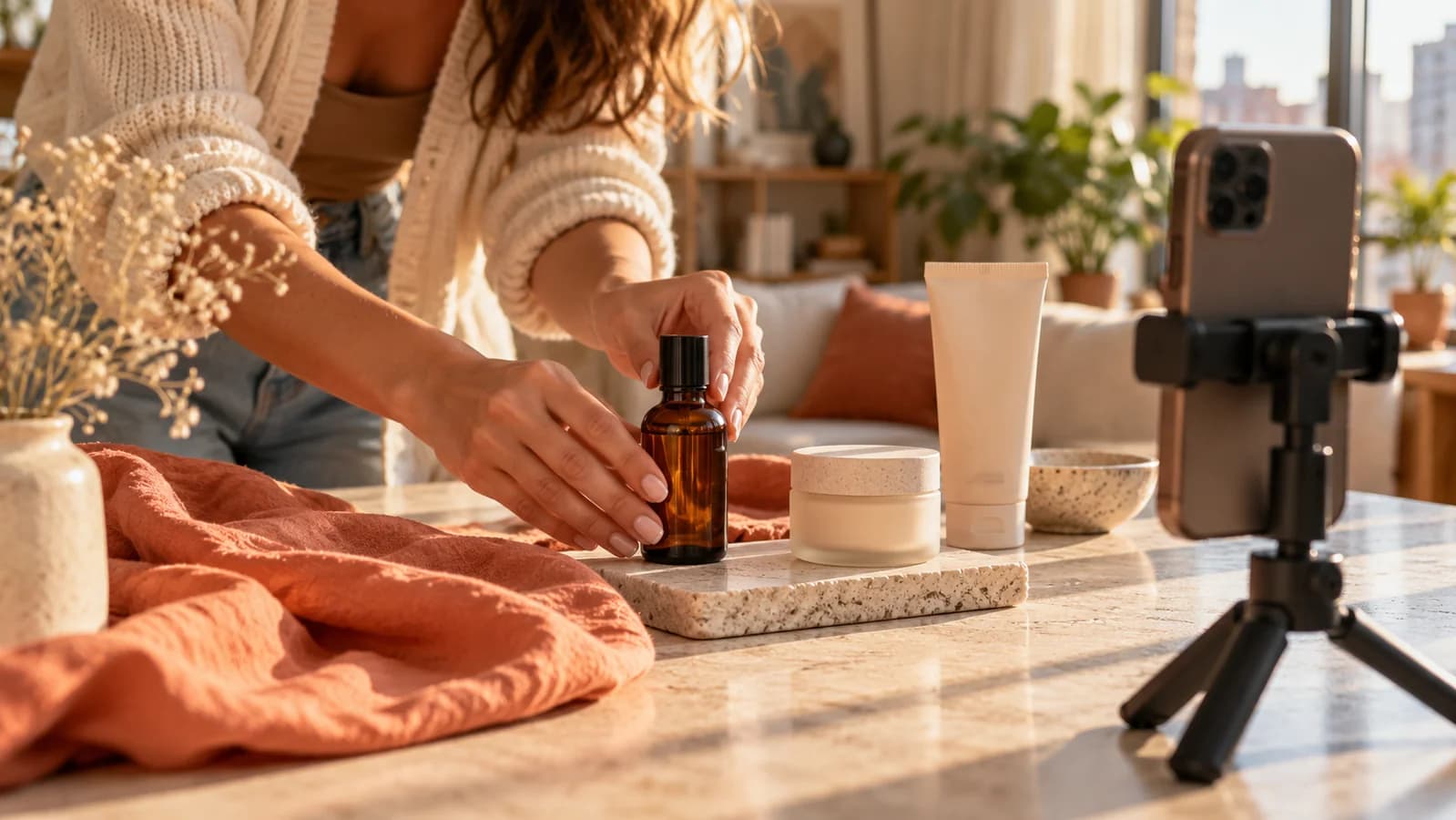
AI-generated editorial illustration.
On this page 6 sections
You finish a good talking-head take, open your editor, and realize you never filmed the product doing the thing you described. A short shot list prevents that second setup. It connects the story you want to tell with the footage you actually need, without planning every second of the edit.
Turn the brief into a filming checklist
Before writing the hook, note the deliverable: orientation, intended length, required product details, and any lines the client needs included. Clarify the brief when those details conflict. A thirty-second video cannot comfortably carry every possible feature.
Separate what you can personally demonstrate from what would need evidence or client clarification. If you have only just opened a product, write about that experience. Do not script a long-term result you have not observed. This keeps the footage and the story aligned.
Pair each important line with a shot
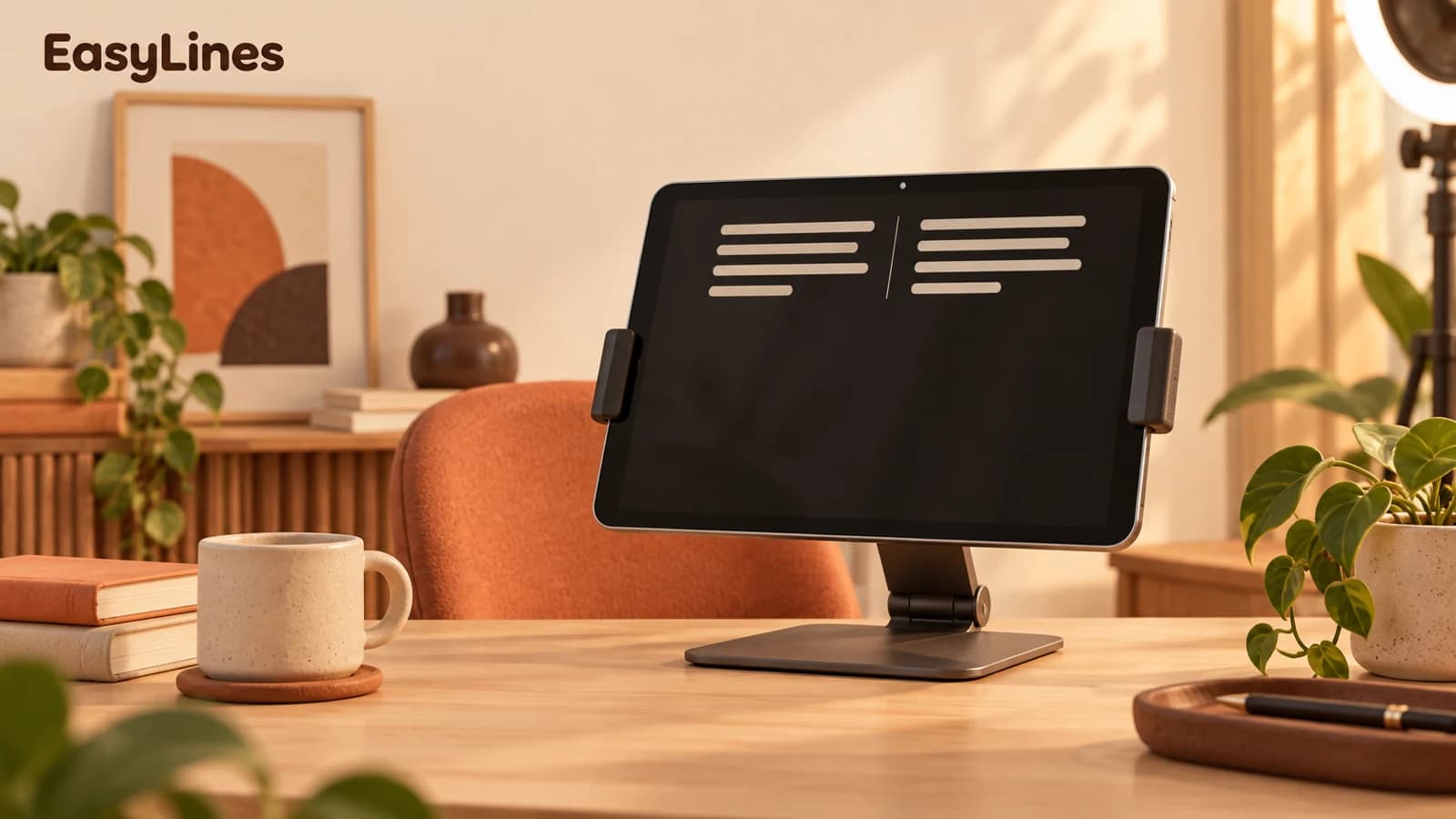
Make two columns in your notes: what the viewer hears and what the viewer sees. A line about a pocket becomes a shot of a phone going into that pocket. A line about a texture becomes a close-up. If the viewer needs to understand a mechanism, show it working.
Keep your on-camera lines for the parts where a person adds context: the problem, your observation, or the explanation. Use detail footage for details. You can record the speaking sections in EasyLines and capture the supporting product shots separately.
SAY: “This is the pocket I kept reaching for.” SHOW: Place a phone in the pocket, remove it, then capture a close-up of the opening.
Start with this six-shot list
Adapt this list to the product and brief. You might only need four of these shots, or need several angles of the demonstration. The point is to make sure every important statement has footage that helps explain it.
- Opening: you on camera naming the situation or showing the product in context.
- Establishing shot: the whole product, clearly visible.
- Demonstration: the main action from start to finish.
- Detail: the feature or texture you mention.
- Context: the product where someone would actually use it.
- Ending: your closing line, with a clear final frame.
Film by setup, then edit into story order
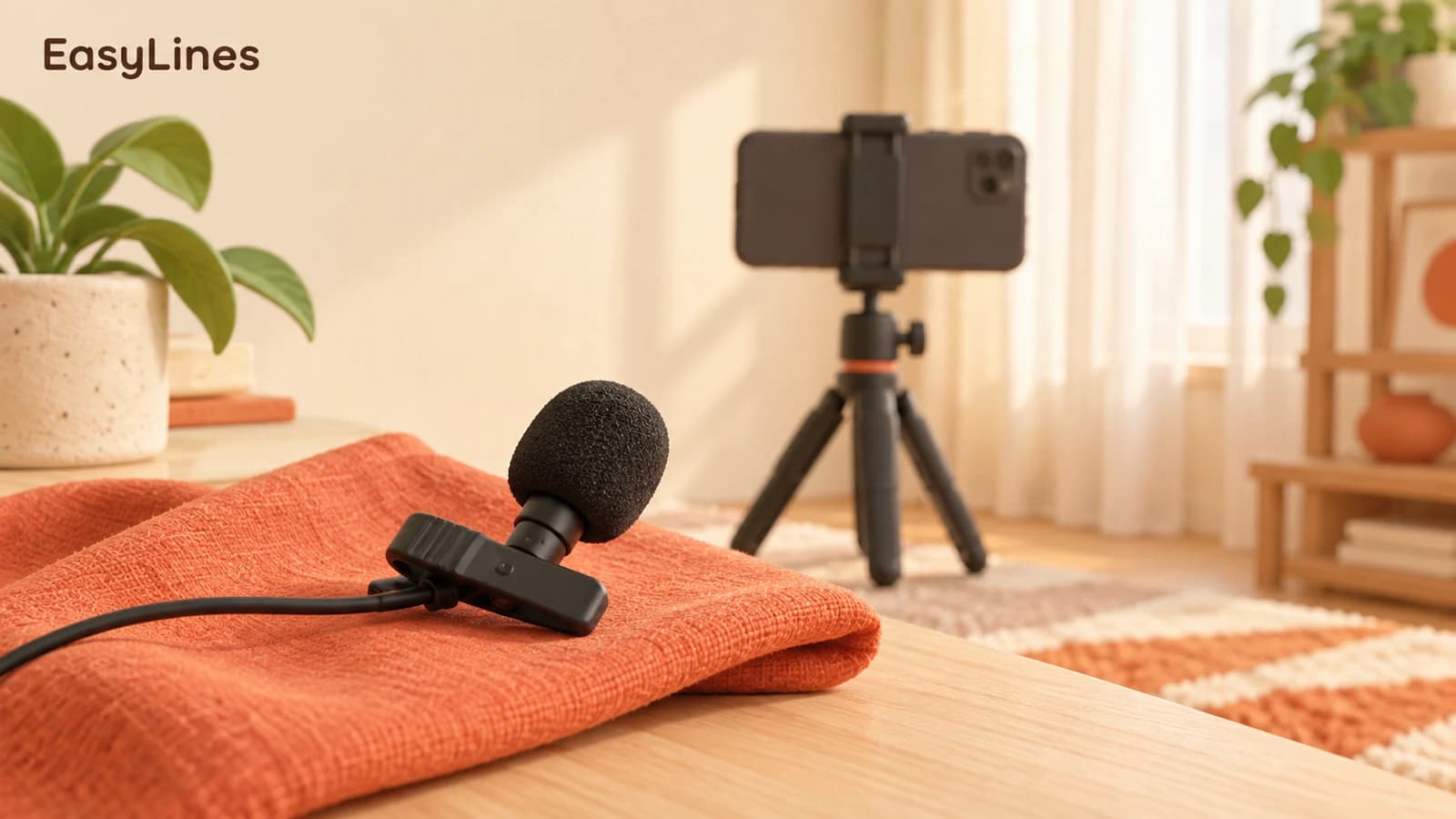
Your shot list does not have to become your filming order. Record all the talking-head lines while the phone, lighting, and microphone are ready. Then move to the tabletop and collect the demonstrations and close-ups together.
Give each action a little space at the start and end. Hold the product still before you begin moving it, and finish the action before stopping the recording. Those extra moments make the footage easier to trim and connect.
Check the footage before packing up
Play back the speaking take with sound. Then watch the demonstration and detail shots at full size. Check that the product is in focus, your hand does not cover the important feature, and the sound is usable where you need it.
Compare the recordings with the brief and tick off each required moment. If you missed something, capture it while the setup is still there. A few minutes of review now can save rebuilding the entire scene later.
Frequently asked questions
Do I need a different shot for every sentence?
No. Plan footage around the ideas that need a visual explanation. A single clear demonstration can support several lines.
Should I record the voiceover first?
A rough spoken read can help you estimate timing. For a demonstration, leave enough time to show the actual action rather than forcing it into a rushed voiceover.
Coming to iPhone and iPad
Put your next script on EasyLines.
A little help with the words. More room to be yourself. Join the waitlist and we’ll email you at launch.