Adapt a blog post into a spoken video script
Turn an existing article into a focused video explanation. Choose what to keep, replace page references, and preserve the limits of your sources.
 EasyLines team7 min read
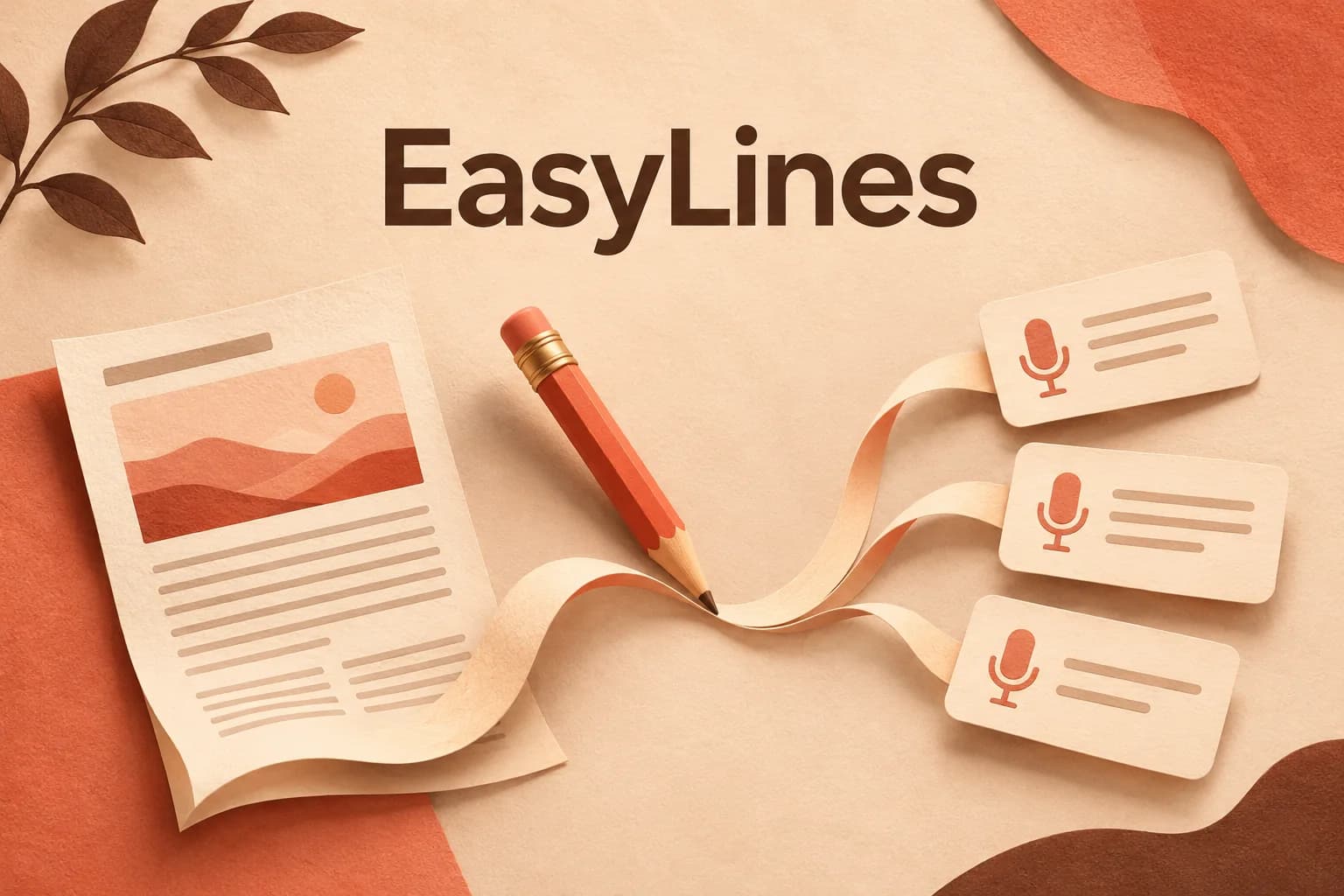
AI-generated editorial illustration.
On this page 8 sections
- 1. Choose a video promise before cutting the article
- 2. Make a keep, change and omit map
- 3. Replace the page context the listener will lose
- 4. Work through a cable-label adaptation
- 5. Add only the context this viewer needs
- 6. Read for meaning before measuring duration
- 7. Keep an adaptation record with the final copy
- 8. Frequently asked questions
Adapt a blog post into a video script by choosing one question the video will answer, selecting the source passages needed for that answer, and rebuilding the explanation around spoken context and visible evidence. Keep a record of what you omitted. Reading a shorter version of the article can leave the viewer dependent on headings, links and examples that are no longer there. The hypothetical adaptation below shows how to find and repair those dependencies.
Choose a video promise before cutting the article
Start with a specific viewer situation. An article about organizing a workspace might cover storage, cable labels, desk layout and cleanup. A video can answer a smaller question: how can someone tell which loose cable belongs to which device? Write that question above the script. It gives you a reason to keep one paragraph and leave another in the article, even when both paragraphs are well written.
Check that the selected question deserves a visual or spoken explanation. Perhaps showing the two ends of a cable makes the decision easier to follow. If the useful material is mainly a long reference list, the written article may remain the better main resource. Your video can explain how to use that list without trying to recite it. Decide this before investing time in a complete rewrite.
Make a keep, change and omit map
Copy the article headings into your planning notes. Beside each, mark keep, change or omit, then give the reason. Keep means the passage directly answers the video question. Change means its information matters but its presentation depends on the page. Omit means it serves another question. This is an authored planning method, not a built-in conversion feature or a tested formula for audience growth.
For each kept passage, save its source location and any supporting reference. A claim should not lose its evidence when it moves between formats. Google’s guidance on document scope recommends removing sections that do not serve the stated scope. Applying that idea here gives you a practical boundary: material can remain useful in the original article while having no job in this particular video.
Replace the page context the listener will lose
Look for phrases such as “in the table below,” “as mentioned earlier” and “click the highlighted term.” Decide what replaces each reference. You might show the relevant example, name the earlier idea briefly, or direct viewers to the complete written reference after explaining the part they need now. Avoid saying “here” while showing nothing that identifies the location or object.
A recorded video can be paused and replayed, but your explanation should still make sense as a continuous sequence. Read only the proposed spoken words while hiding the article. Mark places where you need a heading, footnote or image to understand the next sentence. Then add the missing context or plan a specific visual. Keep visual directions beside the speech in production notes rather than treating them as words to deliver.
Work through a cable-label adaptation
Consider this invented article passage: “Label both visible ends after tracing each cable to its device. The table below lists our example labels. Where an end is inaccessible, leave its identity unresolved until it can be checked. Storage arrangements are discussed in the next section.” The video question concerns identifying accessible loose cables. The table and storage reference need decisions; the qualification about unresolved identity needs to survive.
A possible spoken version is: “Before attaching a label, trace this cable to the device it connects to. In this example, the label says desk lamp. Put a matching label at the other visible end. If you cannot confirm where a cable goes, leave its identity unconfirmed instead of copying this label onto it.” The imagined picture follows one ordinary unplugged example cable with both ends accessible. This is illustrative writing, not an electrical procedure or a report of a real workspace test.
The adaptation keeps the sequence of identify, label and match. It changes the table reference into one visible example and omits the storage discussion. It also retains the source passage’s uncertainty. A less careful rewrite, “Label every cable desk lamp,” would be fluent but wrong. The comparison shows why an adaptation needs a meaning check as well as a conversational read.
Add only the context this viewer needs
Write down what the audience already knows and what the video must supply. Google’s audience guidance bases useful documentation on the gap between those two things. For this video, you might assume viewers recognize their own devices but cannot identify loose cables at a glance. You would explain matching labels, while leaving a detailed taxonomy of connectors outside the promised answer.
If the article was written for specialists, replacing a few formal words may not be enough. A paragraph can rely on an unstated process, a shared abbreviation or a previous article. Name that missing prerequisite and either explain it briefly or narrow the intended audience. Do not hide an important condition merely because introducing it makes the script less punchy. A smaller accurate promise gives you a clearer adaptation target.
Read for meaning before measuring duration
Compare the spoken draft with the selected source passages. Check who does the action, which object it concerns and what conditions limit the instruction. Watch for a cautious “can” becoming “always,” or an example becoming a general rule. Confirm that removing the surrounding article has not changed what an attributed sentence appears to prove. Recheck changing facts against the current source before recording.
Then use the short-script writing guide to improve awkward sentences. Once the explanation is complete, use the speech and action timing method to rehearse the actual sequence. Do not solve an overlong adaptation by removing the one qualification that keeps the message accurate. Remove a secondary idea, or make a second video that answers a genuinely different question.
Keep an adaptation record with the final copy
Save the original article version, your selected question, the keep/change/omit notes and the exact spoken draft together. If the article later changes, that record identifies which parts of the video may need review. Mark any supporting visual that carries essential meaning. A future correction should consider the picture and speech together, especially when the explanation depends on a label, diagram or source excerpt.
Finish by checking that the video answers its own question before referring people elsewhere. The written article can offer depth without supplying a missing basic answer. EasyLines is preparing to launch as a teleprompter and recorder. Join the waitlist for launch updates if keeping your adapted lines near the camera fits your workflow. The selection, source comparison and visual plan remain decisions you make before recording.
Frequently asked questions
Should I read my blog post word for word?
You can for a deliberate reading, but an explanatory adaptation needs a separate check for page references, audience assumptions and visible examples.
Must the video cover every article section?
No. Choose one complete question and retain the sections needed to answer it. Keep a note of omissions.
What should happen to source links?
Retain them in the production notes and provide relevant references with the finished video where your destination supports them.
Can I change a quoted sentence?
Keep exact quoted wording accurate, or clearly write your own paraphrase with its meaning and attribution preserved.
Does EasyLines convert an article automatically?
This workflow makes no automatic conversion claim. EasyLines is preparing to launch as a teleprompter and recorder.
Sources and further checks
Coming to iPhone and iPad
Put your next script on EasyLines.
A little help with the words. More room to be yourself. Join the waitlist and we’ll email you at launch.