Give useful video feedback on someone else’s work
Record constructive video feedback with a clear review scope, an observable example and a specific next action, without overwhelming the recipient.
 EasyLines team6 min read
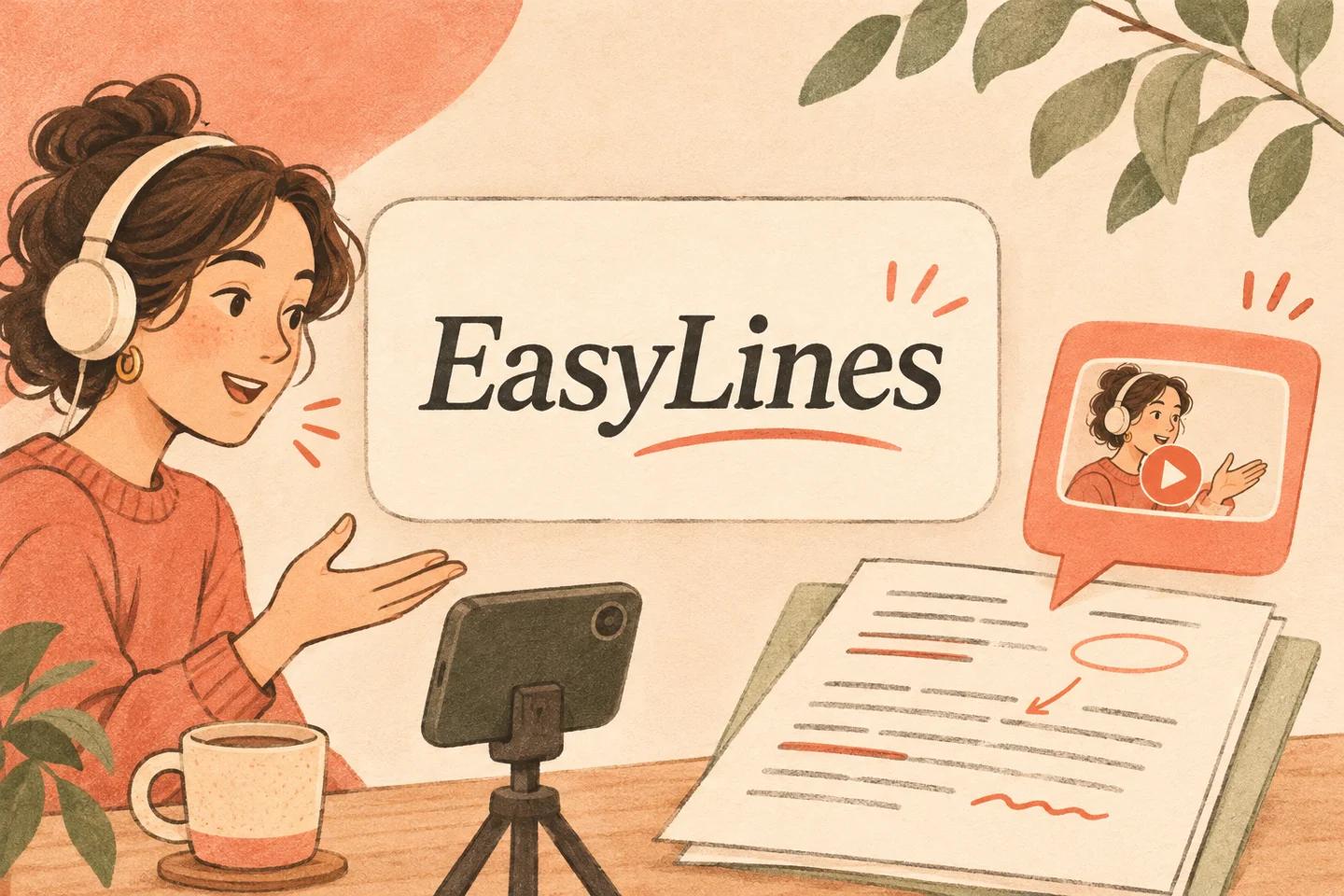
AI-generated editorial illustration.
On this page 8 sections
- 1. What are you reviewing and why?
- 2. How do you separate observation from interpretation?
- 3. What does an actionable comment sound like?
- 4. How should you show the relevant detail?
- 5. How do you prioritize several comments?
- 6. What should happen after the recording?
- 7. How do you review your own feedback take?
- 8. Frequently asked questions
To give constructive feedback in a video, identify the work and review scope, show an observable issue and explain a specific next action. Separate required corrections from preferences and questions. End by naming who will decide and what version should be reviewed next, so the recipient can act without guessing which comments matter most.
What are you reviewing and why?
Name the artifact and version before recording the critique. State whether you are reviewing accuracy, usability, visual presentation or another agreed dimension. A broad invitation for feedback does not require you to comment on everything you notice. Choose the scope that helps the recipient make the next decision. If the work is an early sketch, do not assess it as though it were a finished deliverable.
Write the desired outcome in one sentence. For a fictional draft instruction page, the outcome might be “The author knows which step needs a clearer object name.” That is more useful than “The author receives my reactions.” Keep the source open in the exact state you discuss. If the file changes while you are preparing, update the reference or explain that your comments apply to an earlier version.
How do you separate observation from interpretation?
Describe what is present before stating what you think it means. “The second instruction says ‘put it there’ without naming the tray” is an observation about the words. “Nobody will understand this” is an unsupported prediction about every reader. You can explain the likely ambiguity without turning a reasonable concern into a claim you have not tested.
Then connect the observation to the agreed purpose. If the page should let a new colleague sort folders, an unnamed destination matters. A decorative color choice may be outside that review unless it affects identification. This distinction keeps the critique useful and fair. Do not invent a user test, a customer reaction or an expert consensus to strengthen your preference. The recipient needs to know which evidence you actually have and where you are offering judgment.
What does an actionable comment sound like?
Use a passage identifier, an issue and a proposed action. “In step two, replace ‘there’ with the named tray, because this page has two possible destinations” gives the author a concrete revision to consider. If you do not know the correct destination, ask the content owner rather than supplying a confident guess. A useful comment can be a question when the source information is incomplete.
Here is an original fictional feedback line: “I am reviewing the instructions in draft three. The second step says ‘put it there.’ The picture shows a top tray and a side shelf. Please name the intended destination in the sentence, or tell me which one the author meant.” The line keeps the scope, evidence and next action together. It does not require the author to infer a requested change from an emotional reaction.
How should you show the relevant detail?
Bring the relevant passage into a readable view before discussing it. Say which sentence or object you mean instead of relying only on a moving pointer. Keep unrelated windows, private messages and client information out of the recording. If you cannot safely show the source, use an authorized excerpt or explain the issue in words without exposing the underlying material.
W3C media planning guidance encourages planning accessibility rather than leaving it to the end. In a feedback recording, make the key recommendation understandable in the spoken words and provide a short written action list afterward when useful. This is a practical communication suggestion, not a claim that a brief recap alone satisfies every accessibility requirement. The recipient should not need to decipher a tiny cursor movement to understand the requested revision.
How do you prioritize several comments?
Group feedback by the decision it affects. Put a known factual correction before an optional wording preference. Identify a blocking question that must be answered before someone can revise safely. If every sentence sounds equally urgent, the recipient has no basis for ordering the work. Use ordinary labels such as required correction, suggestion and question, and explain the reason when it is not obvious.
Limit the recording to the useful review pass you agreed. Move unrelated ideas into a separate note rather than expanding the scope while speaking. The conflicting-feedback guide describes how recipients handle competing requests; make their job easier by stating your authority and scope. If you are offering an opinion rather than making the approval decision, say so. Do not let confident delivery impersonate ownership of the project.
What should happen after the recording?
End with a concise action summary tied to the reviewed version. State who should answer any unresolved question and whether you need to see a revision. If a required correction has an agreed deadline, name it clearly without inventing urgency. A recording that ends with several open possibilities but no next step may be informative yet still difficult to act on.
Send or store the feedback only through the channels authorized for the project. This article is a writing method, not permission to distribute someone else’s work. Preserve the reference version long enough for the recipient to understand your comments. If the author revises before watching, help map the relevant issue to the new copy instead of treating a changed line as evidence that the original feedback was ignored.
How do you review your own feedback take?
Listen once as the recipient. Can you identify the artifact, the main issue, the evidence and the next action without relying on memory of your preparation? Remove repeated reactions that do not add a decision. Keep any uncertainty that matters. A concise statement of what you do not know is more useful than a speculative recommendation presented as a correction.
Use the short video script pillar for the overall route and the editor handoff guide when the feedback concerns footage. The accepted recording should leave someone able to make a specific improvement or answer a specific question. It does not need to demonstrate the reviewer’s breadth of taste. Focused evidence and a clear next step make the critique easier to use and easier to assess fairly.
EasyLines is preparing to launch. It focuses on reading a script and recording your delivery, with adjustable text and pace. Finishing work belongs in your chosen editor. If that upcoming workflow fits your needs, join the EasyLines waitlist; availability will be confirmed at launch.
Frequently asked questions
Should every comment include a rewrite?
No. Offer a specific action where the facts are clear; ask a focused question when the correct change depends on missing information.
Can I say users will dislike something?
Avoid presenting an untested prediction as evidence. Describe the observable issue and state your judgment honestly.
How do I mark optional preferences?
Label them as suggestions and explain their purpose, keeping them distinct from required factual corrections.
What should the closing line include?
Name the main action, any decision owner and whether another review is required for the next version.
Sources and further checks
Coming to iPhone and iPad
Put your next script on EasyLines.
A little help with the words. More room to be yourself. Join the waitlist and we’ll email you at launch.