Teleprompter Premium: importing a Word or PDF script
Prepare Word and PDF scripts for Teleprompter Premium, now linked to Teleprompter Pro, and check imported text before rehearsing or recording.
 EasyLines team6 min read
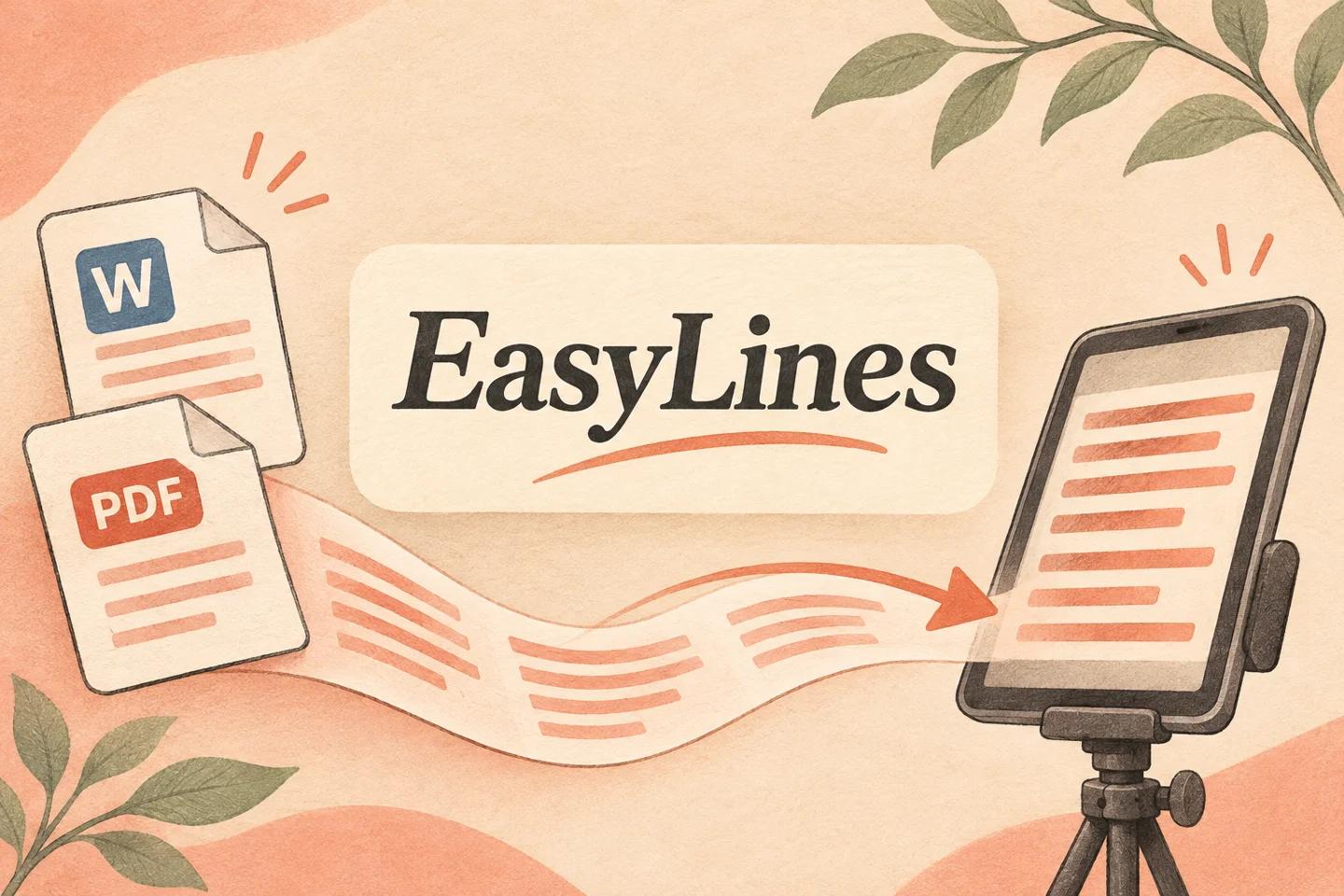
AI-generated editorial illustration.
On this page 8 sections
- 1. Which product and document should you check first?
- 2. Which file types fit the documented import route?
- 3. How do you import without losing the approved version?
- 4. What should you inspect in a PDF conversion?
- 5. What does a practical acceptance example look like?
- 6. When is copy and paste a better option?
- 7. What should the presenter receive before recording?
- 8. Frequently asked questions
Teleprompter Premium’s website now leads to Teleprompter Pro, whose guide supports importing text-based PDF, plain text and rich text, with Word .docx import documented for iPhone and iPad. Check the extracted words against the original before reading: a PDF that looks correct can still import in the wrong order or contain no extractable text. For a short passage, carefully checked copy and paste is another route.
Which product and document should you check first?
Confirm the product identity before following an old tutorial. On 10 Nov 2026, teleprompterpremium.com redirected to Teleprompter Pro. This article uses the current official import guide for file support, rather than assuming every application called Teleprompter has the same behavior. Check the developer and installed application when choosing instructions.
Next identify the source document and its owner. Ask for the editable original if the client supplied a designed PDF with columns, page furniture or scanned pages. A clean script file can remove ambiguity before it reaches the prompter. Preserve the approved original beside a working copy. Import preparation should not quietly become an editorial revision that changes the words the presenter was asked to deliver.
| Requirement | Teleprompter Pro import route | Checked copy-and-paste route |
|---|---|---|
| Source file | Documented compatible file | Selectable short passage |
| PDF prerequisite | Extractable text | Text selection that can be checked |
| Main acceptance check | Order and completeness after extraction | Selection and completeness after pasting |
| Upcoming EasyLines fit | File import not claimed | Write or paste workflow in current source |
Which file types fit the documented import route?
The guide lists .txt, .rtf and PDF, and marks Microsoft Word .docx as iPhone and iPad only. It recommends plain text for best results and states that PDF import needs extractable text. These are vendor documentation details checked 10 Nov 2026. They do not establish that a scanned PDF can be read directly, nor that every layout will produce a useful script.
Choose the least complicated format that preserves what you need. If bold and decorative layout carry no spoken meaning, plain text may make the acceptance check easier. If the source is a Word file, retain a reference copy so you can compare important phrases afterward. Avoid repeatedly converting through several formats just to see what happens; record which route you used and inspect its result once with purpose.
How do you import without losing the approved version?
Work from a duplicate and name it clearly. The official guide describes browsing for a document through My Scripts, the plus button and Import Document, or sharing a compatible file from another app. Use the route available in your installed version and verify the selected file before confirming. If a cloud location is missing, the guide also explains enabling locations in the device Files browser.
Do not delete the source after seeing a new script entry. Open the imported result and compare its beginning, middle and ending. A successful import dialog establishes that something was created; it does not prove every page, number and paragraph survived. Keep a brief note with source name, imported name and date, especially if a team member will later approve the reading copy without having watched the import.
What should you inspect in a PDF conversion?
Inspect reading order before typography. Take a page with a header, two columns and a page number, then follow the extracted words as ordinary sentences. If a heading interrupts a sentence or the right column arrives before the left is finished, fix the reading copy against the original. Do not guess where a missing clause belongs. Ask the source owner when the intended order is ambiguous.
Check numerals, names, punctuation and symbols separately. A dash, decimal point or degree symbol can affect the spoken meaning, even when most words look right. Search for the last sentence from the source and verify it is present. If extraction fails, request an editable document or create a carefully proofread reading copy. The right response to missing text is a source check, not an assumption that the application can reconstruct it.
What does a practical acceptance example look like?
Imagine a fictional two-page workshop introduction with a title on each page and a footer naming the venue. The approved speech begins with a welcome, gives three instructions and closes with a question. After import, the footer appears between the second and third instructions. The correction is to remove that nonspoken footer from the reading copy while confirming that the instruction sentences remain unchanged.
Keep an acceptance note: all three instructions present, order correct, names checked and closing question found. Then read the cleaned version aloud. The reading-copy formatting workflow helps with line breaks after the text is trustworthy. It is a different task from extraction: generous spacing will not repair a missing instruction, and a perfect source comparison will not make a dense paragraph comfortable to read on camera.
When is copy and paste a better option?
Copy and paste can be reasonable for a short, simple passage whose words you can verify easily. Select only the spoken material, paste it into a new script and compare it with the source. If the selection pulls in page numbers or merges paragraphs, return to the source and correct the working copy deliberately. Do not mistake a faster transfer for a completed proofreading pass.
EasyLines is being built around writing or pasting scripts and recording delivery. No Word or PDF import capability is promised here. Someone who needs documented file import now should evaluate Teleprompter Pro on the required device. Someone preparing a small spoken script for a future focused phone workflow may prefer to follow EasyLines. Keep that distinction clear instead of presenting an upcoming product as an available substitute for an existing import feature.
What should the presenter receive before recording?
Give the presenter one approved reading copy and a source reference, with a clear instruction about whether stage directions are spoken. Include any intentionally removed headers or footers in the approval note. If you rewrote sentences for speech, label that as an edited version and seek the normal content approval. Mechanical cleanup and a change in meaning are different actions and should be visible to the recipient.
Rehearse the first paragraph and one difficult passage before recording the complete script. Use the short spoken-script guide if the document reads like an essay. Archive the imported copy that was actually delivered so later pickups use the same words. The finished handoff should answer three questions without a conversation: where the approved text came from, what was cleaned up, and which version the presenter should read.
Use the script version record to identify the approved import before a later pickup.
EasyLines is preparing to launch. It focuses on reading a script and recording your delivery, with adjustable text and pace. Finishing work belongs in your chosen editor. If that upcoming workflow fits your needs, join the EasyLines waitlist; availability will be confirmed at launch.
Frequently asked questions
Can a scanned PDF import as readable text?
The official guide requires extractable PDF text. Ask for an editable source or prepare a proofread reading copy when the PDF contains only images.
Is Word import documented on every platform?
The checked guide marks .docx import as iPhone and iPad only. Verify the current guide for your installed platform.
Should I keep page numbers in the script?
Keep only what is meant to be spoken in the reading copy, while preserving the source and recording intentional cleanup.
Does EasyLines promise PDF import?
No. This article describes its upcoming write-or-paste workflow, with waitlist availability.
Sources and further checks
Coming to iPhone and iPad
Put your next script on EasyLines.
A little help with the words. More room to be yourself. Join the waitlist and we’ll email you at launch.