Manage video script versions before you film
Keep the approved script, the recording copy and the take log aligned with a simple version register and a worked change-impact example.
 EasyLines team6 min read
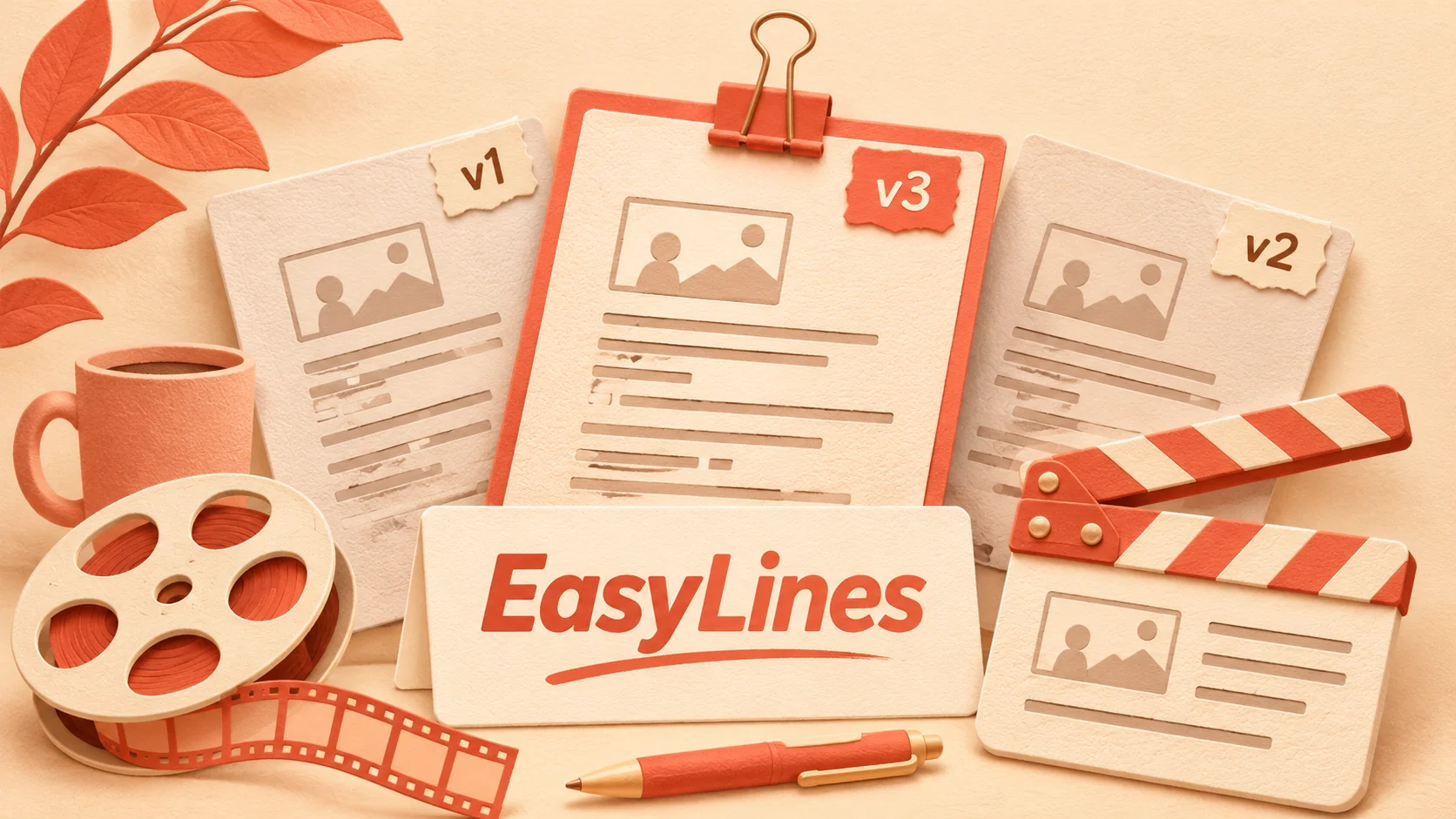
AI-generated editorial illustration.
On this page 7 sections
To manage video script versions before filming, give each approved script a unique version label, copy that exact text into the recording workflow, and record the version in the take log. When wording changes, identify the affected sections before recording again so an editor does not combine incompatible versions.
What is the smallest useful version system?
Use one master script, a clear version label and a short change log. You do not need a complex publishing platform to distinguish the text that was approved from an earlier draft.
For a hypothetical tutorial, a label such as “storage-demo-v03-approved” identifies both the project and the revision. Keep the approval status outside the spoken sentences. A file named “final-final-new” does not establish which wording a take contains, especially once several people have copied it into their own tools.
Write the owner and approval date beside the label in the working register. The owner is the person who can confirm the current wording, not necessarily the person operating the camera. If you work alone, that person is you. Make the status explicit anyway: it helps when returning to a project after a gap. This is a proposed organizational method, not a claim that any particular app automatically enforces approval or version history.
How do you confirm the recording copy matches?
Compare the recording copy with the approved master before the first real take. Check the opening, ending and every line that changed since the previous version, then confirm no paragraphs were missed during copying.
A useful register has columns for script label, approved master location, recording-copy check, take labels and change notes. Record “v03 checked against master” only after doing the comparison. If the text is edited directly in the recorder, copy the change back into the master and create the next version before treating it as approved.
For example, changing “turn left” to “turn right” may be a two-word edit but a major demonstration change. The label tells the editor which instruction the speaker used. Keep formatting changes separate from meaning changes in the log, while still checking that line breaks or symbols have not altered what you plan to say. Small edits deserve accurate records when they affect the action.
What should a take log contain?
Record enough information to connect each take with the exact spoken version and intended use. At minimum, include project, script version, section, take identifier and a plain note about any deviation.
A hypothetical entry could read: “Storage demo, v03, latch section, take 02, preferred; speaker said ‘handle side’ instead of ‘front edge,’ meaning unchanged.” A different entry might say: “v02, take 04, obsolete after direction correction.” Neither note requires the editor to infer the script version from the date alone.
Keep performance notes factual. “Long pause before step two” is useful. “Bad take” does not explain whether the problem is a factual error, framing or delivery. Use the take-selection rubric when choosing between performances, then attach the version information to the selected take. Version control and performance selection solve different problems and both need to survive the handoff.
How do you assess a late script change?
Trace the change through every line and visual that depends on it. A new number, product name or instruction can affect the introduction, demonstration, recap, on-screen text and ending.
Imagine the approved tutorial originally says the box has three compartments, but the filmed product has four. Correcting one middle sentence leaves the opening and recap inconsistent if they also mention three. Mark all affected sections, confirm the actual product detail and create a new script version before recording replacements.
Use a small impact table in your notes: changed fact, affected spoken lines, affected visuals and replacement takes required. This does not mean every edit needs a full rerecord. It means the scope should follow the meaning of the change. A punctuation adjustment may only improve reading. A changed promise or action sequence can require checking the whole explanation. Keep uncertainty visible until the responsible person resolves it.
When should you freeze wording for a session?
Freeze wording once it has been checked and the recording copy is ready, while keeping a clear route for necessary corrections. A freeze is an agreement about which version the session uses, not a reason to preserve a known error.
Tell collaborators how to propose a change during recording. For a small team, a note saying “pause, log the edit, approve v04, update the recorder, restart affected section” may be enough. Do not quietly alter the master while another person continues recording from an older copy.
For solo work, stop after a useful improvisation and decide whether it changes meaning. If you want to keep it, update the master and the take note. Otherwise mark it as a delivery variation. The batch-recording guide covers session organization; this version register makes sure the organized session is recording the intended text. Keep the register accessible during filming rather than reconstructing it afterward.
What should you archive after recording?
Archive the approved script version, the take log and the final handoff note together. Mark obsolete versions clearly while retaining material needed to explain what changed.
Keep a clean spoken script for future reuse and a separate record of production notes. If you republish or adapt the video later, confirm changing facts again rather than assuming the old approved label makes them current. Approval describes a decision at a time, not permanent accuracy.
EasyLines is preparing to launch and focuses on script reading and recording. This article does not claim built-in collaborative approval, automatic version control or take-to-script synchronization. You can use an external register with whatever recording workflow meets your needs. For delivery help, start with the natural reading guide. Join the EasyLines waitlist if you want launch information, and keep your version record explicit in the meantime.
Frequently asked questions
Do solo creators need version labels?
They help distinguish a recording copy from an older draft, especially when a project spans several sessions.
Should formatting changes create a new version?
Record them when they affect the recording copy. Distinguish formatting-only edits from changes in meaning in the log.
Can I fix wording during a take?
You can, but log meaningful deviations and reconcile them with the master before the next approved version.
Does EasyLines automatically manage approvals?
This article makes no such claim. The version register is an external practical workflow.
Sources and further checks
Coming to iPhone and iPad
Put your next script on EasyLines.
A little help with the words. More room to be yourself. Join the waitlist and we’ll email you at launch.