Say dates and time zones clearly in a video
Announce an event date and time clearly in a video, with a worked wording template, a source check and a plan for keeping the announcement current.
 EasyLines team6 min read
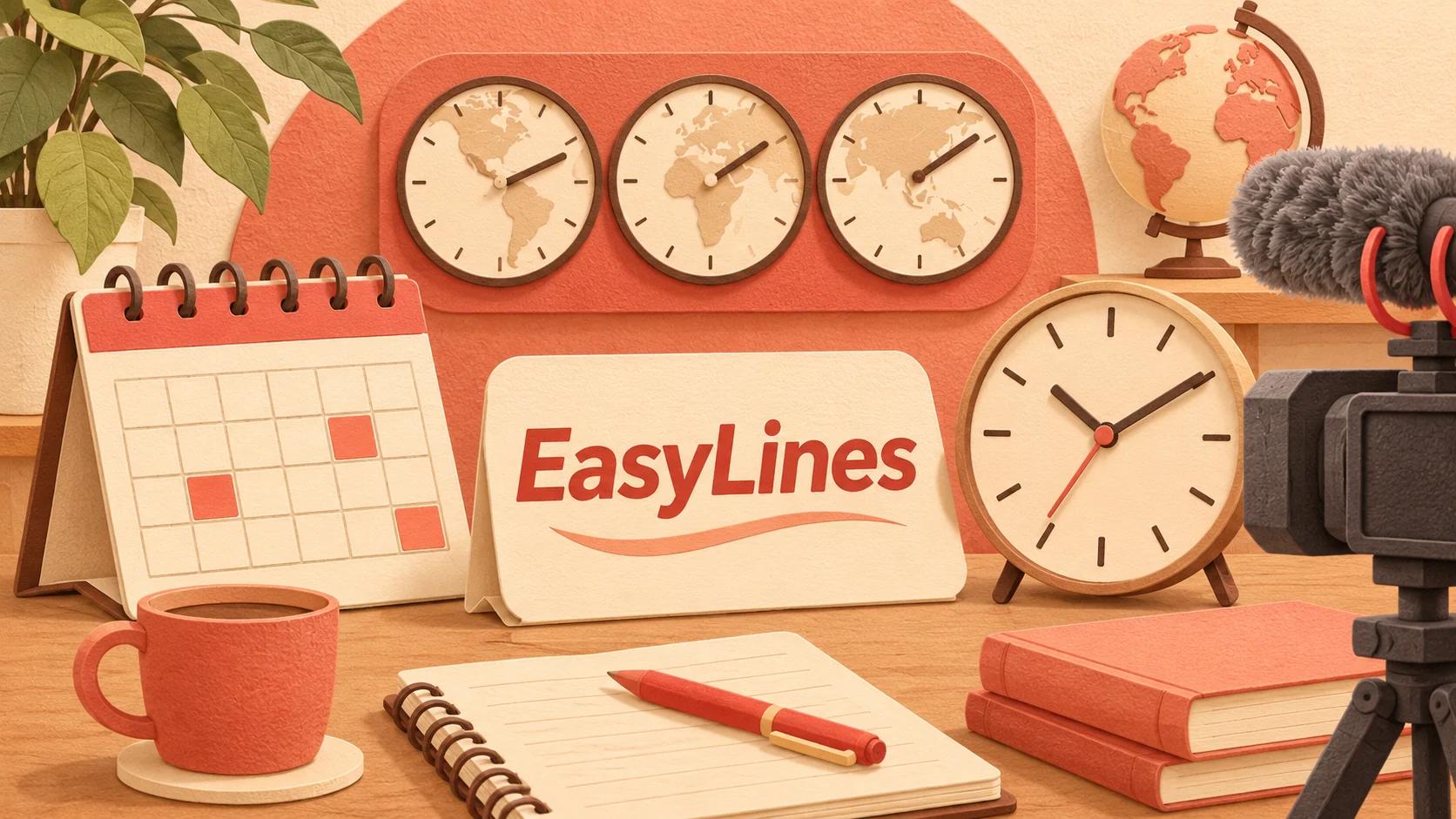
AI-generated editorial illustration.
On this page 7 sections
To say dates and time zones clearly in a video, name the day, month, year, clock time and reference time zone instead of relying on “tomorrow” or an ambiguous numeric date. Verify the event’s official time and link to its current schedule, especially when viewers may watch later or from another country.
What information does the audience need?
Give the audience enough information to identify the event time without guessing the recording date or the speaker's location. For a dated announcement, that generally means a full calendar date, a clock time and the reference zone used by the organizer.
A hypothetical announcement might say, “The workshop begins on 12 November 2026 at 6 pm Hong Kong time. Check the event page for your local time and the latest schedule.” This example is invented for wording practice; it is not an actual event invitation or a claim about an existing schedule.
Write the authoritative event page beside the line in your production notes. If the organizer changes the time, you need to know which spoken line and on-screen card depend on it. Avoid presenting the same invented example as a verified real event elsewhere in the video. Clear wording and accurate source information are separate requirements, and both matter before recording.
Why are numeric dates and relative words risky?
Numeric dates can be interpreted in different orders, while relative words depend on when the audience hears them. Saying the month by name and including the year removes much of that ambiguity.
For example, a script containing “11/12” leaves the intended day unclear for an international audience. “12 November 2026” states the intended date explicitly. Likewise, “tomorrow evening” may be correct when recorded but misleading when the video is watched a week later. Use the absolute date in a video that can remain available.
Relative wording can still be useful in a live context when the reference date is unmistakable, but do not let it carry the only scheduling information in a reusable clip. If an introduction says “next Thursday,” follow with the exact date. Check that the date and weekday agree against the organizer's actual calendar rather than relying on a remembered draft or an unverified conversion.
How should time zones be spoken?
Name the reference zone clearly and avoid an unexplained abbreviation when viewers may not recognize it. Keep the time tied to the event date because local clock rules can vary by location and date.
For a global audience, it may be clearer to speak one authoritative event time and direct viewers to a reliable event page for local conversion than to read a long list of city times. If you include multiple local times, verify every one for the actual event date using a current authoritative conversion source or the organizer's confirmed schedule.
Do not calculate a recurring international event from a remembered fixed difference and assume it will apply all year. This guide does not provide a world-time conversion table. Its practical rule is to verify the specific dated event and keep the reference zone visible in the planning record. If you cannot confirm the conversion, leave it out of the script until the organizer resolves it.
How do you rehearse the announcement?
Rehearse the full scheduling line as one unit, including the year and time zone. Listen for a missing qualifier or a pause that makes the date attach to the wrong sentence.
Use a clean recording copy with the spoken form written out where that helps: “six pm Hong Kong time” is easier to rehearse than a collection of symbols you must interpret while filming. Keep the exact official schedule in the planning copy so the spoken version can be checked against it.
The names and numbers rehearsal guide helps with the mechanics of saying difficult information. This announcement workflow adds a different check: whether the date is unambiguous and remains meaningful after publication. Ask a reviewer to write down the event time they understood. If their answer differs from the source, revise the line before recording rather than assuming they simply listened badly.
What needs checking beyond the spoken sentence?
Check every place the schedule appears: opening, recap, on-screen text, captions, description, event link and any separate promotional cut. A corrected spoken line can still conflict with an old title card.
Create a small dependency list in the production notes. For the hypothetical workshop, record “opening line, end card, description link and short teaser.” If the schedule changes, that list tells you what to inspect. Do not mark a derivative clip current merely because the main video was updated.
Use the script fact-checking guide for source verification. Confirm the event page belongs to the actual organizer and contains the intended session, not an earlier event with a similar name. The worked method here adds a maintenance route for information that can expire. It is especially useful when the recording and publication happen on different days or involve more than one editor.
How do you keep an announcement useful later?
Plan what happens after the event date or a schedule change before publishing the clip. Record who checks the page, which files need updating and whether the video should be removed, replaced or clearly labeled as an archive.
Avoid evergreen packaging for a time-limited announcement. A video titled as general advice can keep attracting viewers long after an invitation expires. If the video mixes an evergreen lesson with an event invitation, consider recording the invitation as a separable segment so future edits can remove it without breaking the lesson.
For comfortable delivery, use the natural teleprompter reading guide. Keep the final schedule verified outside the prompting tool. EasyLines is preparing to launch and does not verify event facts for you. Join the EasyLines waitlist for launch information if you want a focused script-reading and recording workflow.
Frequently asked questions
Should I say tomorrow in a recorded announcement?
Include the absolute date too if the clip may be watched later. Relative wording alone can become misleading.
Do I need to announce every viewer’s local time?
Usually one clear reference time plus a current event page is easier to maintain. Verify any additional conversions for the exact date.
Is a time-zone abbreviation enough?
Use wording your audience can identify. A full reference-zone name often removes uncertainty.
What if the event time changes after filming?
Check every dependent line, card and derivative clip, then update, replace or clearly label the affected material.
Sources and further checks
Coming to iPhone and iPad
Put your next script on EasyLines.
A little help with the words. More room to be yourself. Join the waitlist and we’ll email you at launch.