How to read a teleprompter without looking like you’re reading
A practical guide to better eye contact, a comfortable pace, and a script that sounds like you.
 EasyLines team4 min read
AI-generated editorial illustration.
On this page 6 sections
You press record, start following the words, and suddenly your voice sounds like a station announcement. The script is doing its job. Your delivery just needs a little room. Here’s a simple way to use a teleprompter while keeping the pauses, expressions, and personality that make a video feel like a conversation.
Start with words you would actually say
Read your opening out loud before you put it in the prompter. If a phrase makes you stumble twice, rewrite it. Formal introductions, long clauses, and phrases you never use in conversation are harder to deliver convincingly.
Imagine explaining the idea to one friend. Use contractions. Keep one thought per sentence. A script can be clear without sounding polished to the point of stiffness. Replace “In this video, I will be demonstrating” with “Here’s how I do it.”
Before: “This solution enables a more efficient content creation workflow.” After: “I used to lose my place halfway through a take. Now I keep the next line right by the camera.”
Keep the words close to the lens
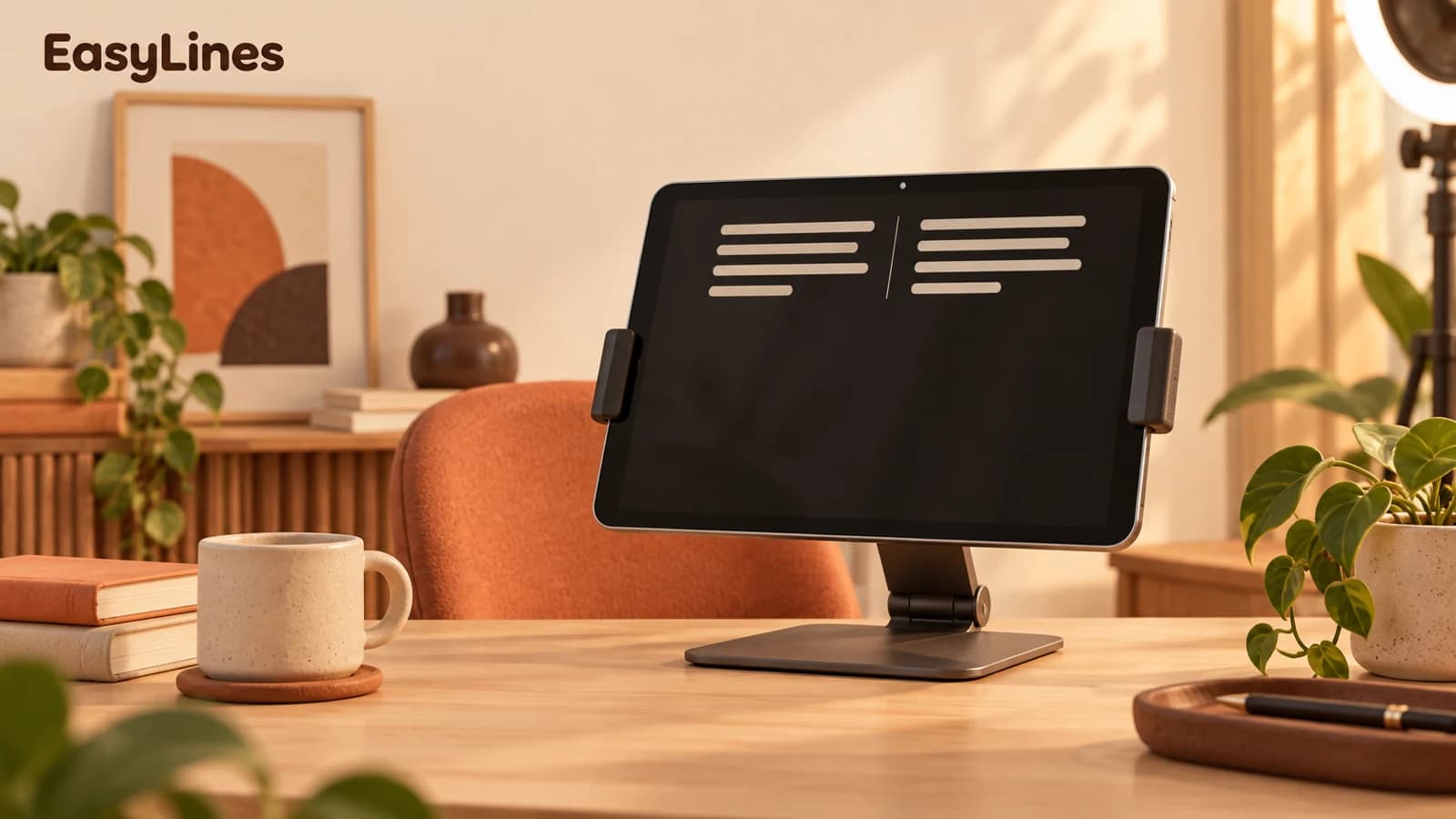
The farther your script sits from the camera, the more visible each glance becomes. Position the current line as close to the lens as your setup allows. With a phone teleprompter, that usually means keeping the line you’re reading near the top of the screen.
Choose a text size you can read without leaning forward or narrowing your eyes. Then record ten seconds and watch it back. If your eyes travel across the frame, shorten the line width or move a little farther from the phone while keeping the text comfortably legible.
Let the script follow your pace
A fast scroll can make every sentence feel urgent. Start slower than you think you need. Leave room to breathe at the end of a thought, gesture, and let a useful sentence land. Read the meaning of the line instead of trying to catch every word.
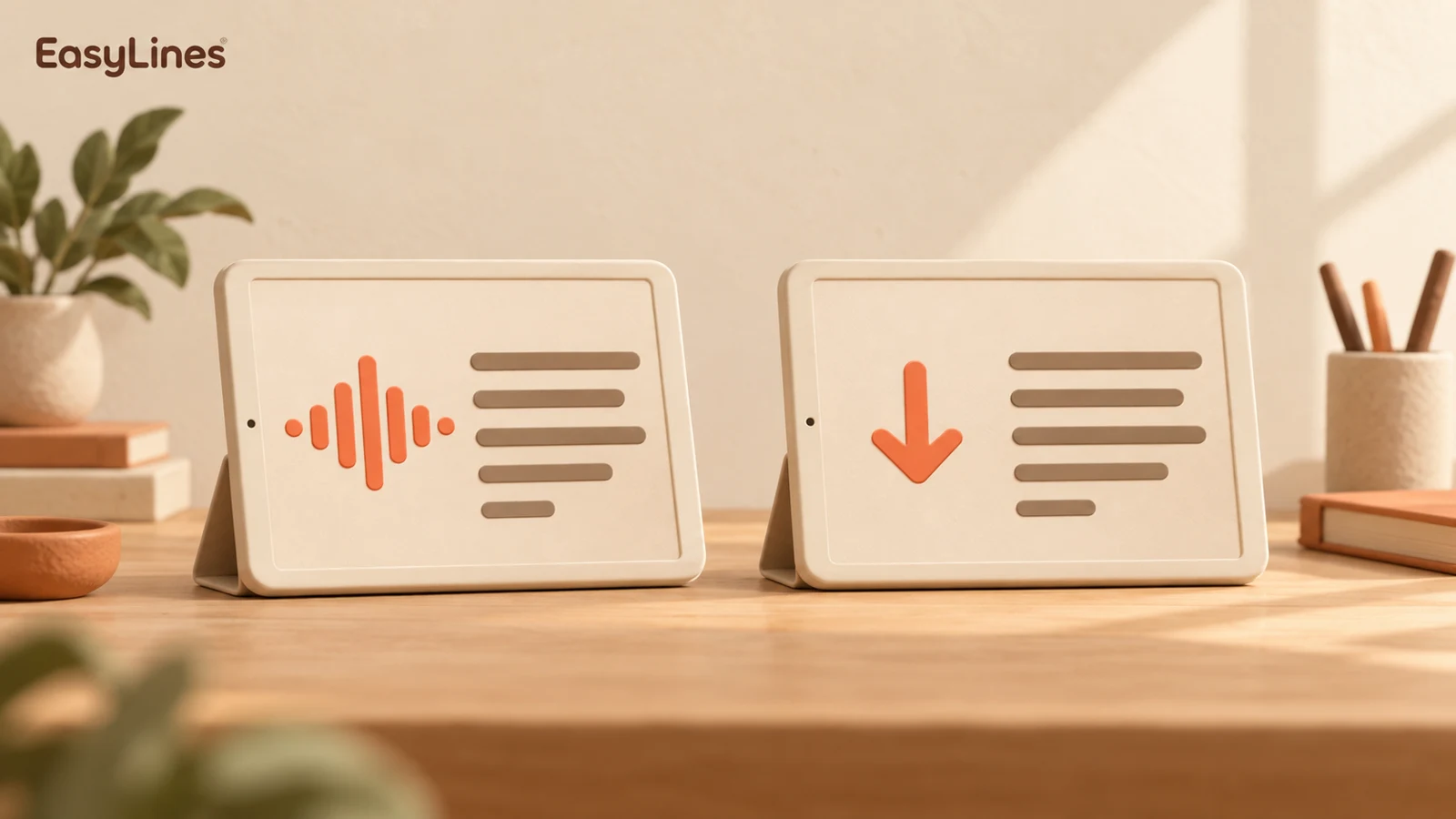
In EasyLines, Follow my voice advances the script as you speak on supported iPhones. Auto-scroll gives you a steady pace you can adjust. Try each with the same short paragraph; keep the one that makes you think least about the screen. Where on-device speech recognition is unavailable, use auto-scroll.
Rehearse the idea, then record in beats
You do not need to memorize the whole script. Read it once to understand the route: opening, point, example, ending. Knowing where the thought is going makes it easier to look engaged while the words stay available as a guide.
For a longer video, record a paragraph at a time. Pause between sections before you reset. Those quiet gaps give you a clean place to edit, and they remove the pressure to deliver several minutes perfectly in one pass.
- Take one: say it comfortably, even if you change a word.
- Take two: keep the same pace and emphasize the key idea.
- Review both before deciding you need a third.
Review one thing at a time
Watch the first take with the sound off and notice your eyes and shoulders. Then listen without watching and notice whether you sound rushed. Separate checks make it easier to find the actual problem instead of deciding the entire video is bad.
Choose one adjustment for your next take: a shorter sentence, a slower scroll, or a lens-height change. The goal is a clear message from a relaxed person. A natural pause or a small change of wording can help that message feel like yours.
Frequently asked questions
Should I memorize my script first?
You only need to know the idea and the order of your points. Read it aloud once, simplify awkward lines, and let the prompter carry the exact wording.
Why do my eyes move so much?
Check how far the current line is from the lens and how wide the text is. Try a shorter line width and a comfortable reading distance, then compare a short test recording.
Coming to iPhone and iPad
Put your next script on EasyLines.
A little help with the words. More room to be yourself. Join the waitlist and we’ll email you at launch.