Reduce popping P sounds in a spoken video
Diagnose popping P and B sounds with a repeatable spoken sample, pop-filter and placement checks, then verify the saved take before recording.
 EasyLines team6 min read
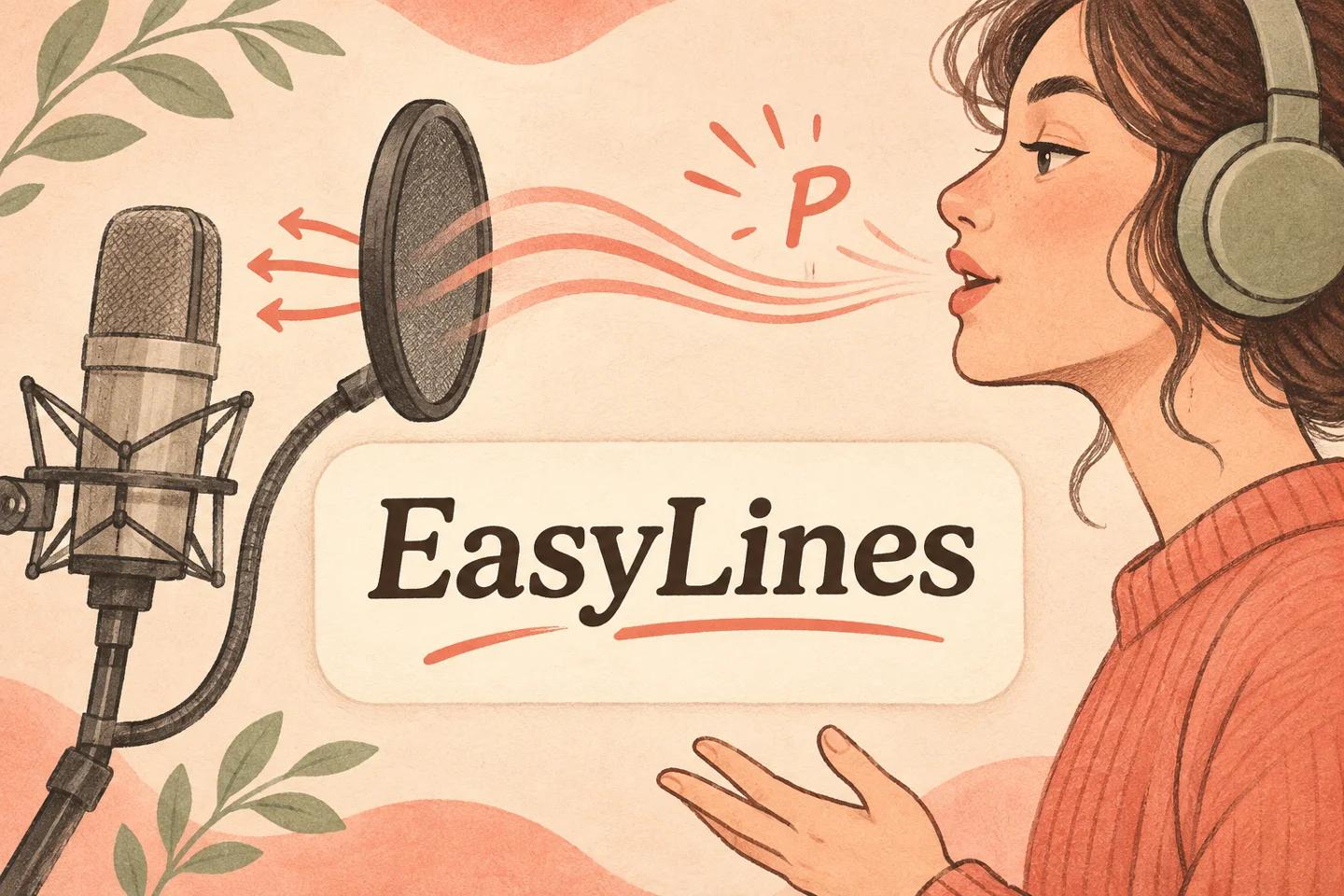
AI-generated editorial illustration.
On this page 8 sections
- 1. Is the sound actually a plosive?
- 2. What do microphone makers recommend?
- 3. How can you compare placement fairly?
- 4. What does a worked comparison look like?
- 5. Should you change how you pronounce the words?
- 6. What if the pops are already in the recording?
- 7. What should the final microphone check record?
- 8. Frequently asked questions
To reduce popping P and B sounds in a video, test whether bursts of breath are hitting the microphone, then try a suitable pop filter or a slightly off-axis position. Keep the sentence, speaking volume and recording arrangement consistent while comparing samples. If the noise happens on all loud sounds rather than specific breathy consonants, investigate input overload separately.
Is the sound actually a plosive?
Start by listening to a saved sample rather than judging the live microphone meter. A plosive may sound like a low thump tied to a P or B, while other mouth sounds may be clicks or lip noise. A harsh result across many louder syllables suggests another issue may also be present. Describe what you hear and when it happens before buying an accessory or changing the script.
Use a short ordinary line with several target sounds, then a line without them at the same comfortable volume. “Put the blue paper beside the box” is an original practice sentence, not a standardized audio test. Keep your head and microphone position consistent between reads. If the problem appears only when your sleeve moves or a cable shifts, use the movement diagnostic instead of treating that noise as a speech-consonant problem.
What do microphone makers recommend?
RØDE’s mouth-noise guidance, checked 10 Nov 2026, identifies pop filters as a way to reduce plosive sounds. Its microphone placement article also suggests trying an angle when plosives remain. These are manufacturer recommendations, not a claim that every microphone or placement responds identically.
Read your microphone’s own instructions before choosing an orientation. Different designs receive sound from different directions. A small move that helps with breath should not accidentally point the useful pickup area away from the presenter. Use a compatible filter arrangement and keep the support stable. Do not assume a decorative foam cover, outdoor wind protection and a studio pop filter are interchangeable for every microphone and task.
How can you compare placement fairly?
Record a baseline with your ordinary speaking voice. Then make one modest placement change and repeat the same words. Keep available recording settings, distance and room conditions as consistent as practical. Label the samples so you know which is which. If you move farther away and reduce input level at the same time, a quieter pop will not tell you which adjustment was useful.
Try a slightly off-axis position only if it suits the microphone’s design and keeps speech clear. Listen for both the unwanted thump and the overall voice. A sample with fewer pops but distant or muffled speech may not be the better recording. The general phone-audio guide helps isolate routing, room and level problems before this narrower placement experiment. Check those fundamentals if the comparison is difficult to interpret.
What does a worked comparison look like?
Imagine a fictional presenter using a supported desk microphone for a short explanation. Sample A puts the microphone directly in the path of the presenter’s breath. Sample B adds the manufacturer-compatible pop filter while preserving the position. Sample C keeps the filter and moves the microphone slightly to the side, following its orientation guidance. Each uses the same practice sentence and normal volume.
The presenter listens to all three saved files, naming any pop and whether the words remain understandable. These are proposed comparison steps, not recordings we made. If B is clear and comfortable, there is no reason to keep adjusting simply because C exists. If all three contain harsh distortion on louder vowels, the next investigation is the input path or available level control, rather than adding more filtering material without evidence.
Should you change how you pronounce the words?
Keep ordinary understandable pronunciation and solve the recording arrangement first. Deliberately swallowing every P can damage clarity and make the delivery feel unnatural. If one sentence is awkward for several reasons, rewrite it for speech, but do not remove important product names or instructions solely to avoid a consonant. A readable script should still say what the viewer needs to hear.
After a placement improvement, read the actual script rather than only the practice line. Include the loudest phrase, a head turn and a pause. Check whether the microphone stays useful when your delivery becomes less controlled. The natural teleprompter guide can help you preserve a comfortable performance. A setup that works only when you hold an unusual pose is unlikely to support the rest of the explanation comfortably.
What if the pops are already in the recording?
Inspect whether a clean alternate take exists before planning an elaborate repair. If the problem covers an important syllable, a fresh line recorded with the corrected setup may be the clearest solution. Leave an intact source copy and note the affected moment for your editor. Do not promise that a filter or noise-removal tool can restore every damaged sound.
If you attempt a repair in a separate editor, compare the result with the original at ordinary listening levels. Listen for a changed voice, missing consonant or distracting transition around the repair. A visually impressive waveform is not the acceptance criterion. The viewer needs understandable speech. If the sentence is still difficult to hear, record a replacement and identify the matching script version rather than publishing an uncertain line because the rest of the take looked good.
What should the final microphone check record?
Keep the accepted sample and a short description of the arrangement: microphone model, useful orientation, filter used and presenter position. Avoid turning one useful result into an unsupported universal distance recommendation. If the microphone or location changes, repeat the short sample before the next full recording. The note should make your successful arrangement reproducible without pretending the same numbers suit everyone.
Check the final saved take through headphones and the playback device you expect to use. Listen particularly to the sentence that caused the original pop. If the issue returns, compare the physical arrangement before changing delivery again. Finish with a clear decision: acceptable speech, another placement experiment or a replacement line. That keeps the diagnostic focused on audible evidence rather than an endless series of equipment upgrades.
Use the pickup recording method when a damaged line needs a clean replacement.
EasyLines is preparing to launch. It focuses on reading a script and recording your delivery, with adjustable text and pace. Finishing work belongs in your chosen editor. If that upcoming workflow fits your needs, join the EasyLines waitlist; availability will be confirmed at launch.
Frequently asked questions
Are all mouth noises plosives?
No. Pops, clicks and lip noise can have different causes. Identify the sound and its timing before changing the setup.
Should I speak very quietly?
Use an ordinary comfortable voice and check placement and available input controls. Unnatural delivery can create a different problem.
Does every microphone use the same angle?
No. Follow the microphone’s pickup and orientation instructions, then compare saved samples.
Can I fix every pop afterward?
No reliable universal repair is promised. A clean replacement line may be preferable when important speech is damaged.
Sources and further checks
Coming to iPhone and iPad
Put your next script on EasyLines.
A little help with the words. More room to be yourself. Join the waitlist and we’ll email you at launch.