Teleprompter Pro: glass rig or phone-only setup?
Decide whether Teleprompter Pro fits a glass rig or whether a phone-only recording workflow is enough, with an equipment acceptance checklist.
 EasyLines team6 min read
AI-generated editorial illustration.
On this page 7 sections
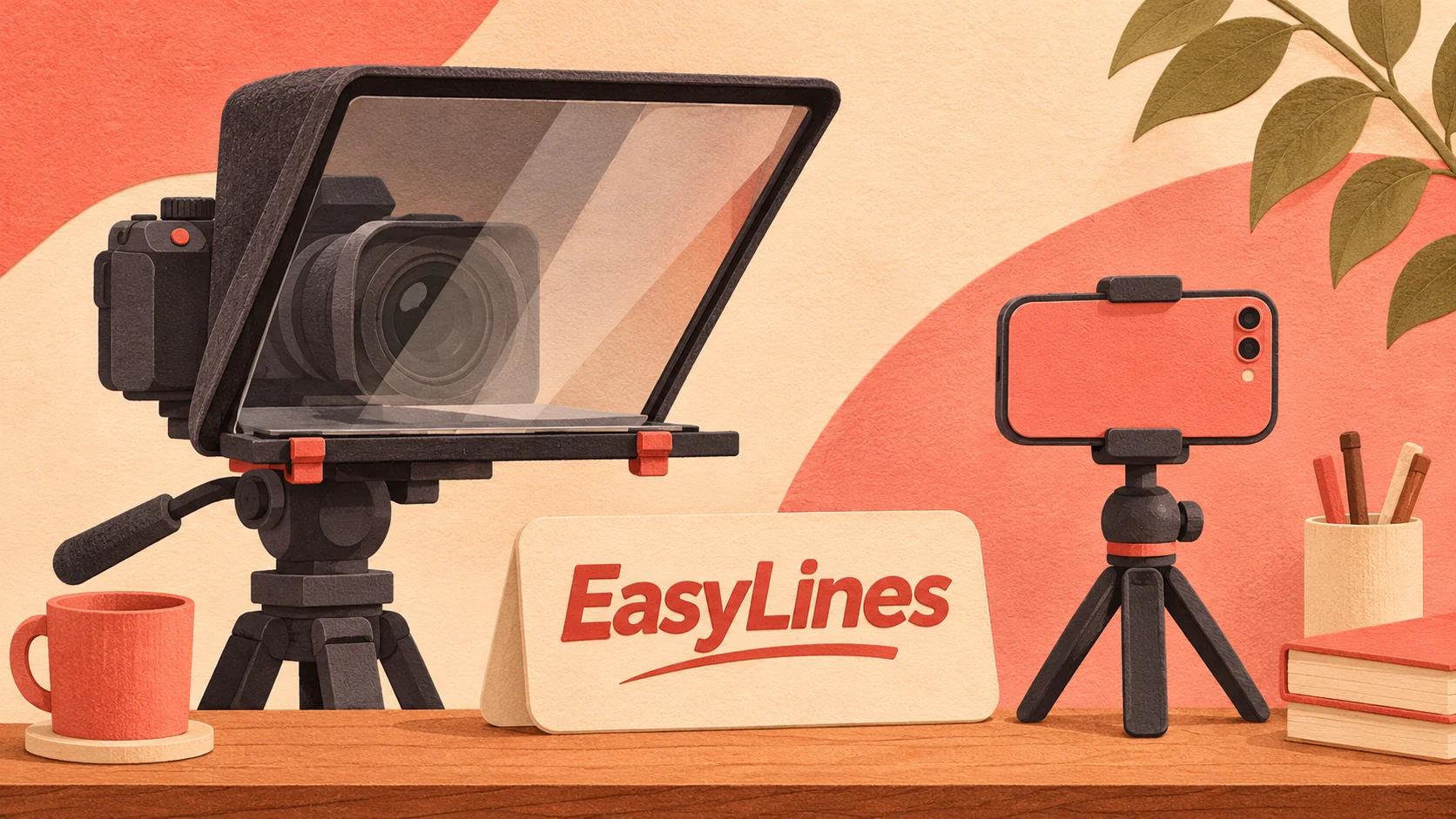
Teleprompter Pro suits evaluation for a glass teleprompter rig because its official feature set includes mirrored text, external display output and remote-control options. A phone-only creator should first decide whether a rig solves a visible reading problem; upcoming EasyLines focuses on prompting and recording and should not be assumed to support a hardware-rig workflow.
When does a glass rig solve a real problem?
A glass rig is worth considering when you need the displayed words aligned with a separate camera lens and your current arrangement makes reading visibly awkward. Start with the problem in the recording, not a shopping list of studio equipment.
Imagine a presenter using a separate camera for a training course. The script currently sits on a laptop beside that camera, so the presenter repeatedly looks away. A reflected text arrangement may address that specific alignment problem. By contrast, a creator already making comfortable short phone takes might gain little from adding a camera, mount and display to the desk.
Write down the failure you want to fix and capture a short reference take. The comparison should answer whether the proposed arrangement improves that failure without creating a harder setup. Do not assume that a more elaborate rig automatically makes delivery natural. You still need a script you can say comfortably and enough room for the equipment.
What does Teleprompter Pro document?
The official Teleprompter Pro features page documents mirrored text, HDMI or AirPlay external display output and several control options. Its settings guide explains mirroring and device-related controls. These pages were checked on 7 November 2026.
Those features make Teleprompter Pro relevant to a hardware-rig shortlist. They do not establish that an arbitrary cable, receiver, clicker and display will work together in your room. Identify the actual equipment and current app edition before buying. Check platform labels carefully because a desktop-only feature is not evidence of mobile support.
EasyLines is preparing to launch and focuses on reading scripts and recording delivery. This article makes no claim that it supports external display prompting, mirror rigs or remote controls. Its relevant future role is a simpler capture workflow when that matches the creator's needs. Keep unverified hardware requirements out of that comparison.
| Decision row | Teleprompter Pro rig workflow | Phone-only EasyLines possibility |
|---|---|---|
| Availability | Available app; verify current edition | Upcoming; waitlist only |
| Documented scope relevant here | Mirroring, external output, controls | Script reading and recording |
| Equipment question | Verify every physical and software connection | Determine whether phone capture meets the task |
| Best fit to evaluate | A separate camera with reflected prompting | Future focused capture without assumed rig features |
How do you map the equipment before buying?
Make a connection map from the script device to the text display, from the camera to its recording destination, and from the operator to the scrolling control. Add power and mounting requirements alongside each component.
For a solo setup, write how you will start, pause and reposition text while standing in the filming position. A control that is theoretically available but physically out of reach may not solve your practical problem. For a team setup, identify who controls scrolling and how the presenter will signal a restart.
Check the manufacturer's dimensions and mounting instructions for the actual rig you are considering. This guide does not recommend balancing an unsupported device or invent a load rating. A hardware purchase should be based on verified compatibility. If you cannot draw the whole arrangement without a question mark, resolve that question before ordering the missing component rather than assuming software will compensate for an incompatible physical setup.
How should you check reflected text?
Test readability through the assembled rig from the presenter's actual position. Use a few ordinary words with clearly different letter shapes, then confirm the text reads correctly and the camera view remains clear.
Mirroring the script for a reflection is a separate issue from a saved video appearing reversed. Do not change both at once. If the recorded image has unexpected orientation, use the mirrored-video diagnostic to isolate which stage changed it. The correct setting depends on what the rig reflects and what the recording app saves.
Read a paragraph while making normal gestures. Check whether the words remain comfortable to see and whether you need to shift your body to keep reading. Make adjustments while the setup is still a rehearsal. A readable still frame is only one part of acceptance: the arrangement also needs to support an actual spoken take from beginning to end.
What should a phone-only comparison test show?
Record the same paragraph with the simplest safe phone arrangement you already have. Keep the script near the camera, choose a readable text size and leave enough space for your usual gestures. Compare the result with the problem identified in the reference take.
Use the natural teleprompter reading guide to separate delivery problems from hardware limitations. If the sentence sounds stiff, rewrite it before buying a rig. If your eyes repeatedly travel away from the lens despite a readable layout, the physical arrangement deserves closer attention.
Do not compare a rehearsed rig take against a rushed phone take and call the difference an equipment result. Give both arrangements a fair setup and use the same acceptance questions. Can you follow the text? Is the speaking delivery comfortable? Can you recover from a restart? Does the saved file meet the project requirement? Keep observations specific to your own test.
Which choice is ready for your next project?
Choose a verified rig workflow when the project requires a separate camera and aligned prompting, and every physical and software connection has been checked. Evaluate Teleprompter Pro's documented features against that map. Choose a simpler phone route when it already meets the deliverable without the extra equipment.
Create a one-page setup note once you decide. Include the selected app edition, device, display route, control method and a photograph of the safe arrangement. That note helps you reproduce the session and makes troubleshooting easier when one component changes. It is a practical record rather than a guarantee of future compatibility.
EasyLines is an upcoming option for creators interested in focused script reading and recording. Do not plan an immediate hardware shoot around an unverified feature or an unannounced release. Join the EasyLines waitlist for launch information while choosing an available, verified workflow for the project in front of you.
Frequently asked questions
Does Teleprompter Pro document mirrored text?
Yes. Its official features and settings pages describe text mirroring for reflected prompting arrangements.
Does a glass rig guarantee natural delivery?
No. Evaluate the physical reading arrangement and rehearse the spoken script. Hardware does not establish that your wording will sound natural.
Can I use EasyLines with an external display?
This article does not claim that support. EasyLines is upcoming; verify launch features before planning hardware around it.
What should I buy first?
Identify the visible recording problem, map the complete setup and verify compatibility before buying any component.
Sources and further checks
Coming to iPhone and iPad
Put your next script on EasyLines.
A little help with the words. More room to be yourself. Join the waitlist and we’ll email you at launch.