Your first talking-head video setup: an iPhone, a window, and a plan
Find good light, put the lens at eye level, check your sound, and record a useful first take with what you already have.
 EasyLines team4 min read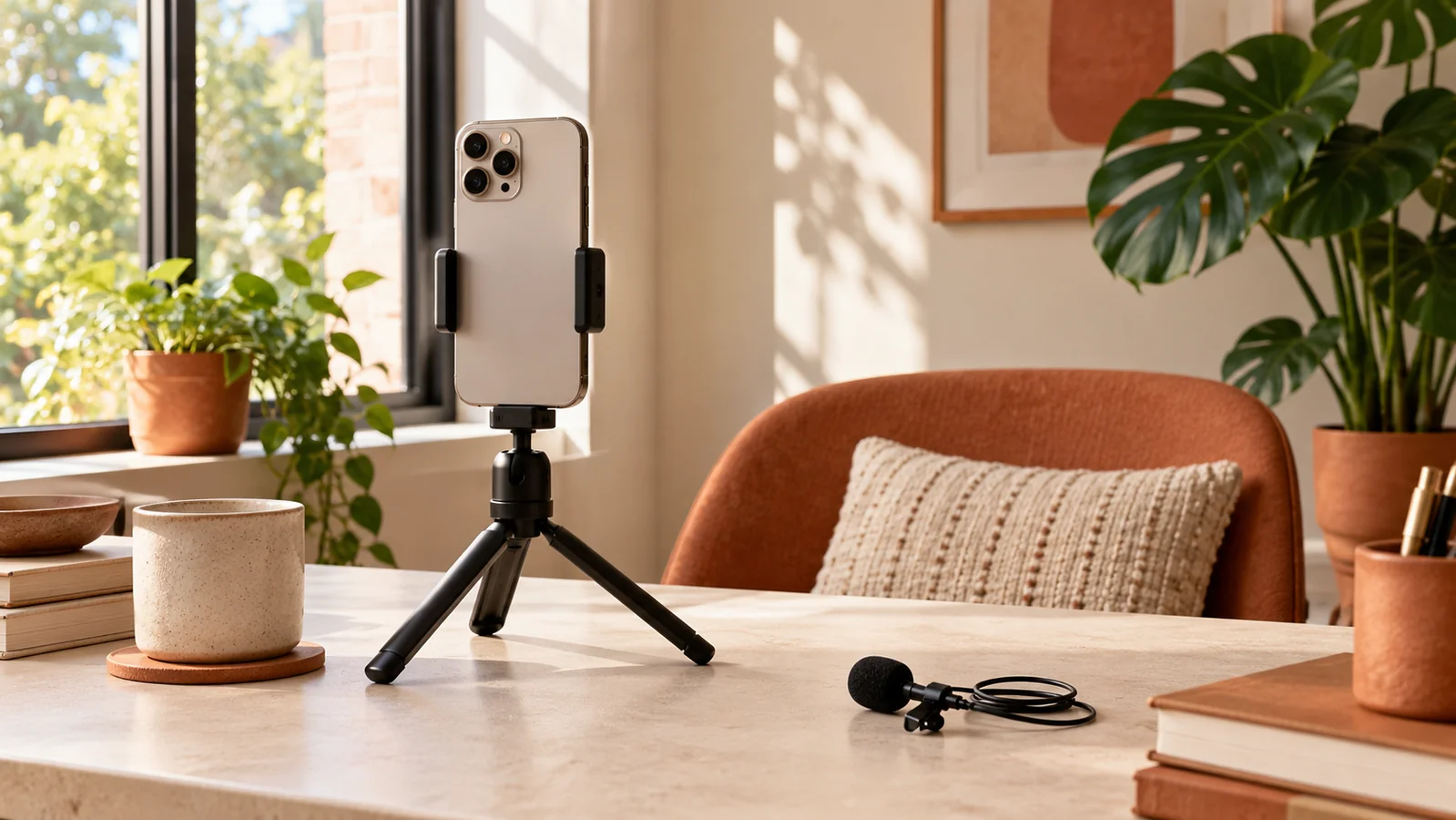
AI-generated editorial illustration.
On this page 6 sections
It is easy to turn “record a video” into “research equipment for three evenings.” For a first talking-head take, you need a stable phone, light on your face, sound you can understand, and a short idea to explain. Build that simple setup first. Your test recording will tell you what deserves attention next.
Find the light before choosing the background
Start facing a window or sitting at a slight angle to it. Record a quick test and look at your face, not just the room. Strong light directly behind you can leave your face much darker than the background. Move the chair before reaching for a new light.
If direct sunshine makes you squint or creates harsh patches, try a nearby position with softer light or a sheer curtain. Once your face looks clear, remove a few distracting objects from the background. You do not need a perfectly styled room.
Put the lens at a comfortable eye level
Use a stable stand or another secure support. Set the lens close to eye level and leave enough space for your normal gestures. A camera far below you can be an awkward angle; a camera too far away can make the phone’s microphone work harder.
Choose the orientation your final video needs before recording. For a vertical piece, frame a little space around your head and shoulders so you have room to crop. Look for anything touching the edge of your head in the background and shift the phone if it distracts you.
Listen to ten seconds of real speech
Say a few lines at the volume you plan to use. Play the recording back and listen for a fan, traffic, an echo, or clothing brushing a microphone. A room can feel quiet while a microphone picks up a steady hum you stopped noticing.
Close the door, move away from the noise, or try a room with softer furnishings. If you already own a compatible microphone, compare it with the phone’s recording. Keep the setup that sounds clearer in the test. Equipment only helps when it solves something you can actually hear.
Prepare one short idea
Write an opening sentence, one explanation, and a useful ending. Read them aloud. If you lose your breath halfway through a sentence, divide it. If the middle turns into three topics, save two for later videos.
With EasyLines, you can paste the spoken version into the prompter and keep the current line close to the camera. Adjust the text size and scroll pace before the real take. The script should make recording easier; change the wording if it keeps pulling your attention away from the idea.
- Can someone understand the first sentence without extra context?
- Does the middle explain one thing with a concrete example?
- Does the ending give the viewer somewhere to go next?
Make the first take a check, not a final exam
Record the whole short script once. Check the picture, listen to the sound, and notice where you rushed. Fix the biggest problem and record again. Changing five things at once makes it harder to know what helped.
When the video is clear and useful, save the take and note what you want to improve next time. A repeatable corner in your home and a script you can deliver comfortably are a strong starting point. You can add equipment later when a recording shows you exactly why you need it.
Frequently asked questions
Do I need a ring light?
Try a window and a short test recording first. Add a light if the available light is inconsistent or you need to record when the window cannot help.
Is the front camera okay?
Use the camera that lets you get a clear, comfortably framed take. The front camera makes framing easier when you are alone. Compare a short test rather than delaying the recording over the choice.
Coming to iPhone and iPad
Put your next script on EasyLines.
A little help with the words. More room to be yourself. Join the waitlist and we’ll email you at launch.