Plan one recording for portrait and landscape crops
Decide whether one video can survive portrait and landscape crops using a two-frame action test, simple crop geometry and targeted alternate shots.
 EasyLines team6 min read
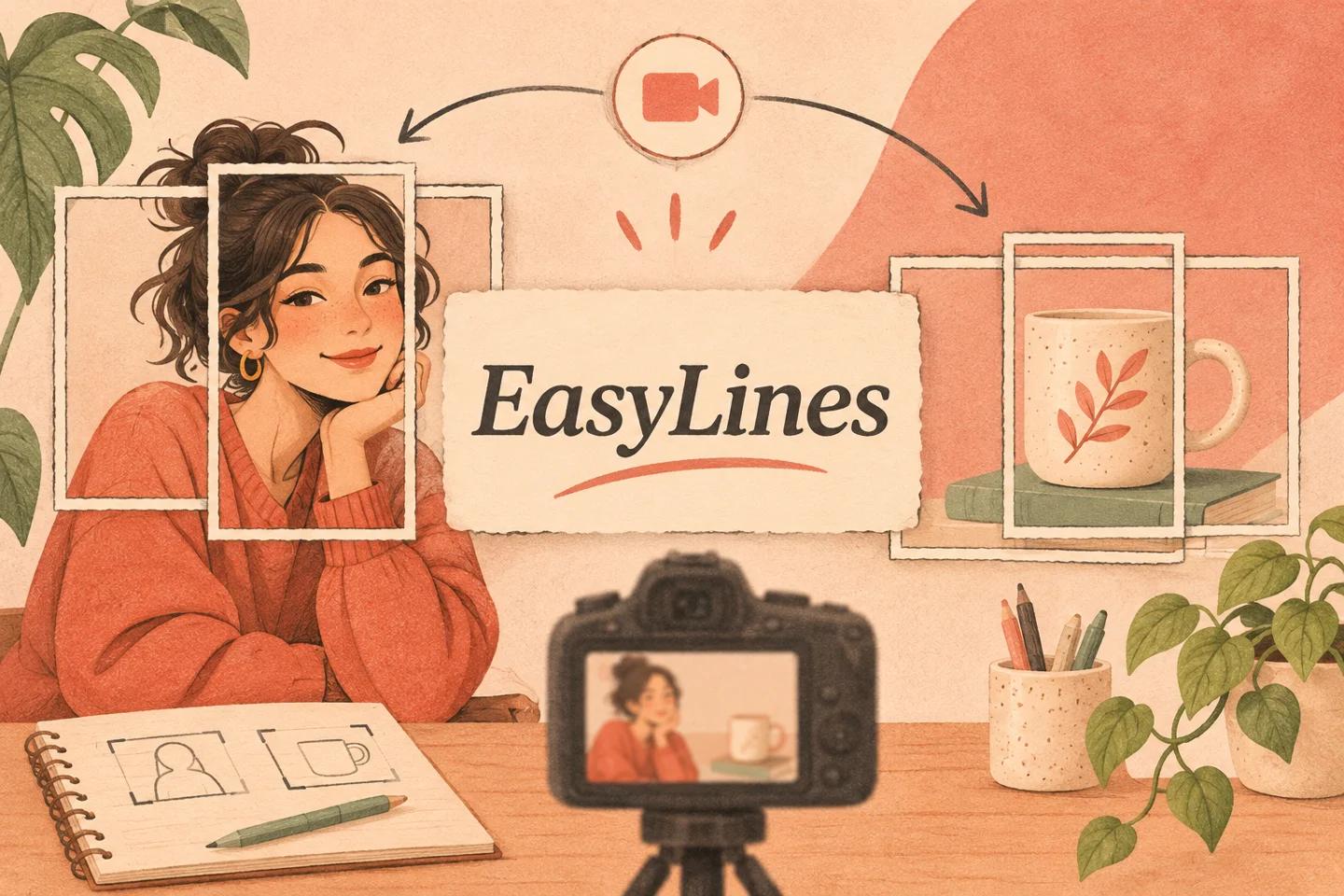
AI-generated editorial illustration.
On this page 8 sections
- 1. What must each version show?
- 2. How much of a wide frame can a narrow crop keep?
- 3. How can you test both frames before recording?
- 4. What does a shared-composition example reveal?
- 5. When should you record separate versions?
- 6. What else changes after cropping?
- 7. How do you hand off both versions clearly?
- 8. Frequently asked questions
One recording can serve portrait and landscape only when every essential face, object and action remains useful in both intended crops. Test both frames before filming, including gestures and detail views. If the narrow crop cannot show the task clearly, record a separate version or a targeted pickup instead of forcing both formats from the same take.
What must each version show?
Write separate requirements for the portrait and landscape destinations. They may share the spoken explanation while needing different visible information. A landscape lesson might show a presenter beside a tabletop, while the portrait version needs a closer view of one mechanism. Treat those as two compositions rather than assuming one is a smaller copy of the other.
Identify the elements carrying meaning: face, hands, label, object and movement path. Decorative space is optional; a hand demonstrating a latch is not. The vertical safe-zone guide covers destination overlays within a vertical frame. This article addresses an earlier feasibility decision: whether the same source footage can contain the essential action for two shapes of frame before those overlays are considered.
How much of a wide frame can a narrow crop keep?
A centered portrait crop of a landscape source retains only part of its width when it uses the full source height. For a hypothetical 16:9 source cropped to 9:16, the retained width fraction is (9/16) divided by (16/9), or 81/256, about 31.6 percent. This is geometry, not a claim about the resolution or export quality of a particular camera or editor.
That narrow region explains why a presenter beside a wide table may not survive a centered portrait crop. Adobe’s aspect-ratio introduction explains the width-to-height relationship. Do not treat the calculation as a universal safe area: you may reposition a crop, use another composition or choose a different source ratio. The useful question is whether the intended picture still contains the information the viewer needs.
How can you test both frames before recording?
Create a short sample with the actual action, then inspect it in both intended aspect ratios in your chosen editing or viewing tool. Keep an untouched source copy. Place the crops deliberately and watch the beginning, widest gesture and final position. Do not judge only a static pose. A face that remains centered can coexist with a product that leaves the narrow frame halfway through the explanation.
If you use framing guides during recording, confirm they correspond to the final crops you plan to make. A guide is a planning aid, not proof that the saved result contains the same boundaries. Check what the tool actually exports. Keep the test small enough that you can change the camera position or action before committing to a full script.
What does a shared-composition example reveal?
Imagine a fictional creator explaining a desk organizer. The first wide sample puts the creator on the left and three trays on the right. The landscape version makes sense, but the centered portrait crop shows empty space between them. Moving the crop toward the creator removes the tray demonstration; moving it toward the trays removes the pointing hand and context.
A revised arrangement places the relevant tray closer to the creator and uses a separate detail shot for the other compartments. Both crops are tested again through the full action. This is an original planning example, not filmed evidence. The lesson is to change the explanatory arrangement when the crops conflict, rather than repeatedly shrinking text or making the presenter stand unnaturally far from the object. The final versions can share words without sharing every view.
When should you record separate versions?
Record separately when the main relationship cannot be shown clearly in both crops. Two people standing apart, a wide whiteboard or a lateral assembly demonstration may require different framing. A second version can be shorter and focused on the missing action. You do not necessarily need to repeat every spoken sentence if a planned detail pickup supplies the visual information.
Write down which passages need alternate views before the main recording. The pickup workflow helps capture replacement material with clear boundaries. In this case the pickup is planned for composition rather than a mistake. Preserve the script version, object state and action sequence so the alternate view matches the explanation. Do not imply a single continuous demonstration if you changed a relevant condition between the two recordings.
What else changes after cropping?
Inspect text size, object detail and the room context after the crop. A label may remain technically inside the frame but become too small to read in the intended playback view. A cropped gesture may also look like it points to something absent. Watch the completed composition at a realistic display size rather than checking only the crop box in an editor.
Confirm that captions, titles and other finishing elements are positioned for each destination version. Do not burn essential text into an edge of the source and assume every crop can retain it. Keep a clean source and add destination-specific elements in your separate finishing workflow when practical. EasyLines is not presented here as an automatic reframing, editing or captioning product; those choices belong in the tools you verify for that work.
How do you hand off both versions clearly?
Name the source, intended aspect ratios and any required alternate views in the handoff note. State whether each crop was actually checked through the whole action. If a version still needs a pickup, mark it unfinished rather than asking the editor to discover the gap. Keep the accepted source separate from exported deliverables so later changes do not depend on a previously cropped file.
Use the natural on-camera pillar for delivery while the frame plan handles composition. The final acceptance test is simple: each version independently shows what the words describe, with readable essential detail and a complete action. If one fails, adjust that version. Sharing footage is useful only when it preserves the explanation in both formats, not when it saves a take at the viewer’s expense.
EasyLines is preparing to launch. It focuses on reading a script and recording your delivery, with adjustable text and pace. Finishing work belongs in your chosen editor. If that upcoming workflow fits your needs, join the EasyLines waitlist; availability will be confirmed at launch.
Frequently asked questions
Does a landscape source always work for portrait?
No. Inspect the full action in the intended crop; wide relationships may not fit.
What does 31.6 percent refer to?
It is the retained width fraction of a full-height 9:16 crop from a 16:9 source, not a quality guarantee.
Can I use different detail shots for each version?
Yes. Plan and identify them so each version remains complete and the action conditions remain honest.
Does EasyLines automatically reframe recordings?
No automatic reframing feature is claimed here. Use a separate verified editing workflow.
Sources and further checks
Coming to iPhone and iPad
Put your next script on EasyLines.
A little help with the words. More room to be yourself. Join the waitlist and we’ll email you at launch.