Remove private information before recording a demo
Prepare a demo without exposing private information using dummy data, an information audit and a frame-by-frame review of sensitive moments.
 EasyLines team6 min read
AI-generated editorial illustration.
On this page 7 sections
- 1. What information belongs in the pre-recording audit?
- 2. How do you create useful dummy material?
- 3. What physical details are easy to overlook?
- 4. How should you rehearse the complete action path?
- 5. What should you inspect in the saved recording?
- 6. How do you keep the recording workflow clear?
- 7. Frequently asked questions
To remove private information before recording a demo, replace real accounts and documents with clearly fictional demonstration material, inspect every visible surface, and review the saved footage before sharing. Treat names, messages, identifiers and reflected screens as possible disclosures; this practical recording audit does not establish legal or security compliance.
What information belongs in the pre-recording audit?
Audit anything the camera or recording may reveal, including information that is not the main subject of the demonstration. A private detail can appear on a label, a nearby document, a screen reflection or a briefly opened menu.
Make a list for your specific scene: account names, contact details, customer records, order references, calendar entries, browser tabs and physical paperwork. Include spoken information too. A clean screen does not help if the narration reads a real customer's address aloud.
This is a practical production checklist, not a complete security assessment or legal opinion. If your organization has handling requirements, follow them and use the responsible reviewer. Do not assume blurring one area makes a restricted recording appropriate to create or share. The simplest safe recording may be a purpose-built demonstration environment that contains no real private material in the first place.
How do you create useful dummy material?
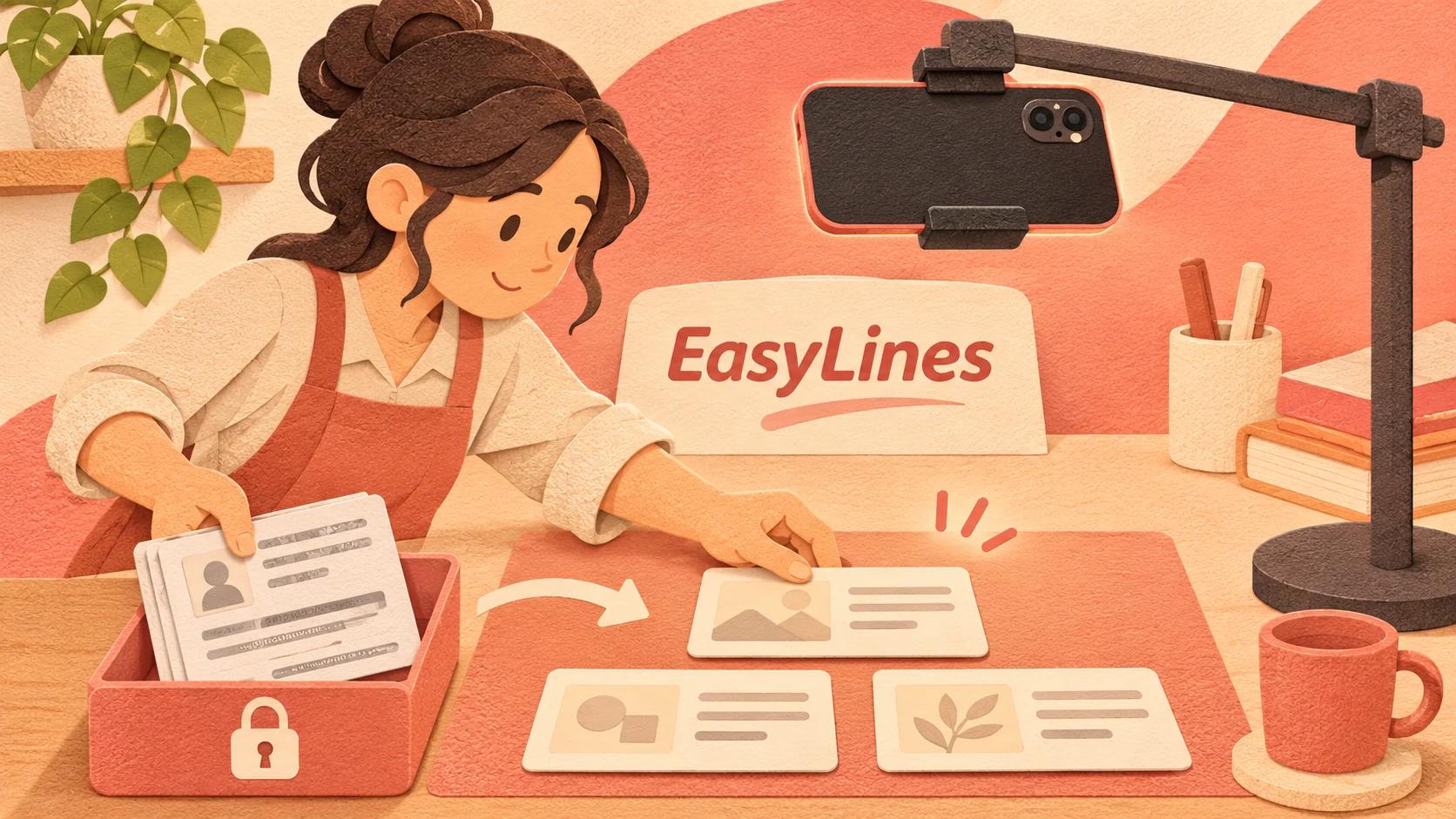
Use clearly fictional data that preserves the demonstration's structure without copying real personal or confidential details. Keep the example realistic enough to explain the task, while labeling it as a demo where viewers could otherwise mistake it for a real case.
For a hypothetical order-management demonstration, create a fictional customer label, a neutral product and an invented order identifier. Avoid copying a real record and changing only the name if the remaining fields could still identify the person or transaction. Do not use an actual customer's story as background material without the appropriate authorization.
Write down which screens or objects need substitute data before filming. If the task opens a history panel, search result or attachment, seed that part of the demo too. A tidy starting screen can still lead into real information one tap later. Rehearse the full click or action path with the dummy material rather than checking only the opening frame.
What physical details are easy to overlook?
Check the complete frame, reflective surfaces and anything you move during the demonstration. Private information can become visible only when a product is lifted or a notebook is opened.
Look at shipping labels, desk notes, badges, whiteboards and device screens. If an object does not need to be in the scene, remove it instead of depending on a later crop. If a relevant object carries private information, use an appropriate substitute or prepare a controlled demonstration version.
The background frame audit helps organize what appears visually, while this audit focuses on information rather than decoration. A visually attractive background can still expose a client name. Check from the camera's viewpoint, including the widest intended framing. Do not assume a detail is unreadable because it looks small on the phone preview; inspect the saved image at a useful size before approving the scene.
How should you rehearse the complete action path?
Rehearse every action the real take may include and inspect the information revealed at each transition. This catches hidden panels, recent-item lists and physical pages that do not appear at the start.
Use a simple path log: opening view, action, newly visible information and clearance decision. For example, a demonstration that opens a file picker may reveal folder names even when the selected file itself is harmless. A product demonstration that turns a package around may expose its shipping label.
Keep the script aligned with the sanitized scene. If the narration says “select the latest customer order” but the demo contains only fictional records, describe it as a sample order so the audience is not misled. This is also a good time to remove unnecessary actions that increase exposure without improving the explanation. A shorter, purposeful demonstration path is easier to audit than an improvised tour through unrelated menus.
What should you inspect in the saved recording?
Review the actual saved recording, including transitions and brief reveals, before sending it outside the intended review group. Preparation reduces risk but does not prove every frame is clear.
Pause around menus opening, objects turning, documents moving and screens changing. Listen for private spoken details. Check the beginning and ending too, because the camera may have captured setup material before the intended performance began or after it ended. If you find a problem, decide whether a clean rerecord is simpler than relying on a complex concealment edit.
After editing or masking, inspect the finished export through the intended delivery route. An editing preview can differ from the file someone receives, and a mask can fail during movement. This article does not prescribe a compliance-grade redaction method. Escalate restricted or uncertain material to the responsible person rather than treating a production trick as permission to disclose it.
How do you keep the recording workflow clear?
Keep the demonstration assets, approved script and review notes together so collaborators know which material is safe to use. Mark obsolete or rejected takes clearly and avoid accidentally handing them to an editor as alternatives.
Use the natural teleprompter reading guide once the content and scene are prepared. For exported take organization, the recording-saving guide explains the importance of preserving selected files. Decide who can receive the material according to your actual project requirements.
EasyLines is preparing to launch. Its public scope includes script reading and recording, not automatic detection or redaction of private information. Do not assume the app will warn you about a visible name or confidential sentence. Join the EasyLines waitlist for launch information if its focused capture workflow interests you, and keep information review as an explicit production step.
Frequently asked questions
Is changing a customer name enough?
Not necessarily. Other fields or the surrounding context can still identify a real person or transaction. Prefer purpose-built fictional demo material.
Should I trust the phone preview?
Inspect the saved recording at a useful size, especially transitions and brief reveals.
Can I just blur private information later?
A clean rerecord may be simpler. Any concealment edit still needs review in the final export, and restricted material needs the appropriate handling decision.
Does EasyLines automatically redact recordings?
No such feature is claimed. Information review remains a separate production responsibility.
Sources and further checks
Coming to iPhone and iPad
Put your next script on EasyLines.
A little help with the words. More room to be yourself. Join the waitlist and we’ll email you at launch.