Should you sit or stand for a talking-head video?
Choose sitting or standing for your next talking-head video with a matched rehearsal, framing checks and a simple decision based on the task.
 EasyLines team6 min read
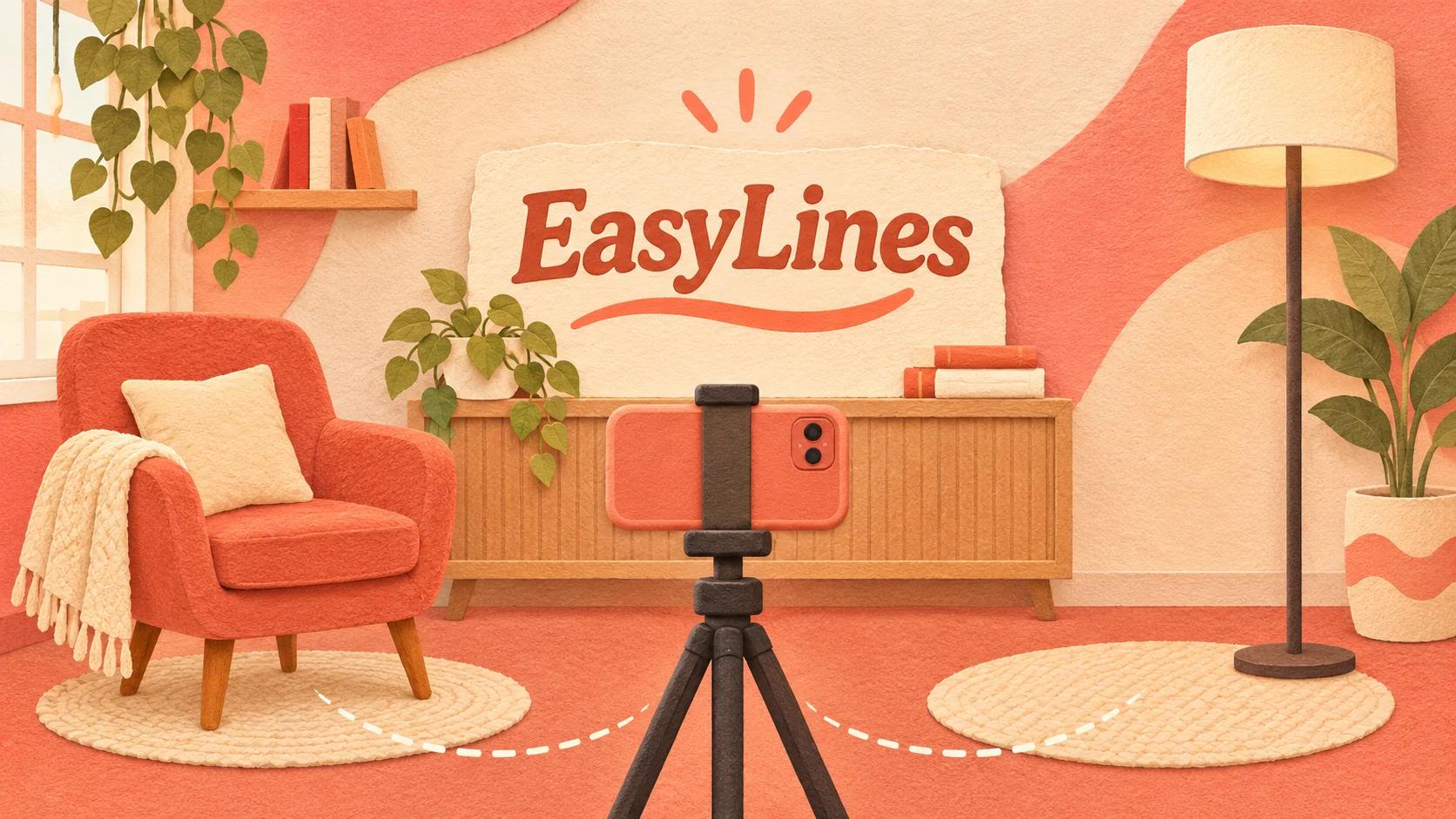
AI-generated editorial illustration.
On this page 7 sections
Sit for a talking-head video when the task is comfortable at a desk or table; stand when the demonstration or delivery needs room to move. Choose by recording the same short passage both ways and comparing comfort, framing and the action you need to show, rather than assuming one posture looks more professional.
What should decide the posture?
Let the action and your comfort decide the posture. A desk demonstration may work naturally while seated, while explaining a larger object may be easier from a standing position.
Start with the deliverable rather than a rule about energy. “Standing always sounds more confident” is not a useful universal instruction. Different people, tasks and recording spaces create different results. You can make a clear explanation while seated, standing or using another comfortable supported position.
List what the speaker must do: hold an object, point to a surface, type, turn, or remain facing the camera. Then identify which positions allow those actions safely and comfortably. Do not force a position that causes pain or requires an unstable support just to match a visual reference. This article offers a filming decision method, not medical or posture advice. Choose a practical arrangement you can sustain for the actual session.
How do you compare sitting and standing fairly?
Record the same passage with the same intended volume, wording and task in both positions. Adjust the camera for each position so the comparison measures the setup you would really use.
For a hypothetical desk-product explanation, record one take seated with the item on the table and another standing with the item on a stable surface at a usable height. Do not hold it awkwardly in the standing take simply to keep the table unchanged. The meaningful comparison is between two workable arrangements.
Review three questions: can the audience see the necessary action, can you follow the script comfortably, and can you repeat the setup without strain? Write a short observation for each rather than a vague score for “professionalism.” If one take sounds better because you happened to know the script more thoroughly, repeat the other after equal rehearsal. This is a proposed exercise; it does not claim a measured advantage for either position.
| Decision row | Seated | Standing |
|---|---|---|
| Task fit | Desk or table actions within comfortable reach | Actions needing room to move |
| Framing check | Table height, hand visibility and chair movement | Lens height, gestures and movement range |
| Reading check | Readable without leaning toward the script | Readable from the intended standing position |
| Choose when | The complete task is comfortable and visible | The complete task is comfortable and visible |
What framing changes when you stand?
Standing usually changes the height and movement range you need to frame. Set the lens for the intended position, then rehearse normal gestures and any movement before recording the full explanation.
Do not simply tilt a low camera upward and assume the resulting composition will match your seated take. Raise or reposition the support safely where possible, then inspect the actual picture. Keep the floor clear around your standing area and avoid stretching cables across the movement path.
Make the gestures you expect to use, including picking up the demonstration object. Watch for hands leaving the frame or the top of your head reaching the edge. If the intended delivery includes movement, decide how much is useful rather than trying to stay rigidly still. For a small space, a comfortable seated arrangement may be the better practical choice. The decision follows what the frame and task need, not a hierarchy between sitting and standing.
What should you check when seated?
Check that the chair, table and camera work together without forcing you to lean toward the script or hide the demonstration. A seat that feels comfortable during conversation may still place the tabletop too high in the frame.
Record a short test while completing the real action. Look for the chair moving, the table obscuring hands or your body drifting forward whenever you read. Make one adjustment at a time: camera height, object position or reading layout. Do not interpret a poor table arrangement as proof that seated delivery is inherently wrong.
If you use a chair that swivels or rolls, notice whether that movement distracts from the explanation. Choose a stable arrangement that suits your needs; do not improvise unsafe restraints. Keep necessary items within easy reach before the take. Reaching behind the camera halfway through the explanation can create more friction than the posture choice itself.
How does posture affect the prompting arrangement?
The prompting arrangement must remain readable from the position you choose. Check the line location and text size after changing height or distance, rather than assuming the previous settings still fit.
Read a paragraph with your normal gestures and watch the saved result. If you lean forward to catch a word, improve readability or reposition the setup. If the script sits far from the lens, changing posture alone will not remove the visible glance. Use the natural teleprompter reading guide to check that relationship.
For the broader recording corner, the first talking-head setup guide covers a practical starting arrangement. This posture test adds a narrower decision about how your body and task fit that arrangement. Keep any conclusion personal to the project: “seated keeps the product visible for this demonstration” is more useful than “seated is best for every creator.”
How do you make the choice repeatable?
Save the chosen arrangement with a short setup note and a reference frame. Record the camera height, where the chair or standing mark sits and where the demonstration object belongs.
Use the note as a starting point for the next session, then check the picture again. Different clothing, objects or script length can change what feels comfortable. If you move between positions within one video, plan the transition and capture enough matching context so the change feels intentional.
Your final choice should let you explain the idea comfortably and show the necessary action clearly. If both positions pass, choose the one you prefer and spend the remaining preparation time on the script. EasyLines is preparing to launch as a prompting and recording app, with no promise that software determines posture or delivery quality. Join the EasyLines waitlist if its focused recording workflow interests you.
Frequently asked questions
Does standing always create more energy?
No universal result is established here. Compare your own delivery with the same script and an equally workable setup.
Should the camera stay at the same height in both tests?
Adjust it to a suitable height for each position. Compare two arrangements you could realistically use.
What if I cannot stand comfortably?
Use a comfortable supported position that suits your needs and the task. Standing is not a requirement for a useful video.
Should I change position in the middle of a video?
Only when the task or structure benefits. Plan and rehearse the transition, including camera framing.
Sources and further checks
Coming to iPhone and iPad
Put your next script on EasyLines.
A little help with the words. More room to be yourself. Join the waitlist and we’ll email you at launch.