Film reflective products without hiding the detail
Use a reflection map, controlled camera movement and a saved test to show shiny products clearly while preserving their real surface appearance.
 EasyLines team6 min read
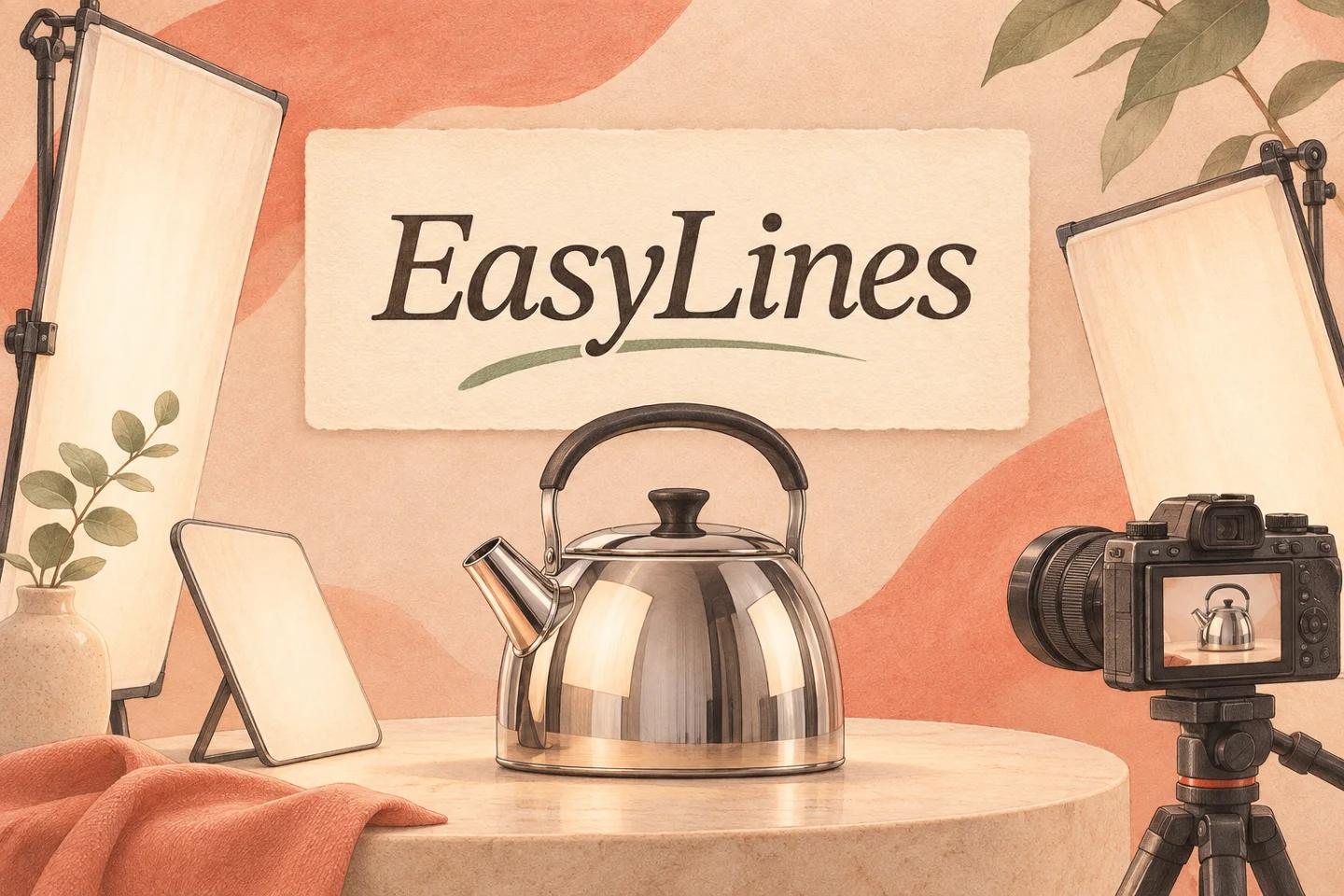
AI-generated editorial illustration.
On this page 8 sections
- 1. What is the reflection preventing viewers from seeing?
- 2. How do you find what the surface is reflecting?
- 3. Which change should you try first?
- 4. How can a kettle example guide the experiment?
- 5. What should you avoid changing about the product?
- 6. How do you check the full movement?
- 7. What should you preserve for repeat takes?
- 8. Frequently asked questions
To film a reflective product, identify what its surface is reflecting, then change the surrounding objects, light or camera angle one variable at a time. Use a broad pale surface when you need a controlled highlight, but keep enough reflection to describe the object’s shape and finish. Check the entire demonstration, because a clean opening can reveal the camera as the product turns.
What is the reflection preventing viewers from seeing?
Name the specific problem before rearranging the room. A camera silhouette across a label is different from a bright window hiding a handle. A reflection may also be useful: it can show the curve of a metal body or the glossy finish the viewer is evaluating. The task is not automatically to remove every visible reflection. It is to keep the important detail readable while showing the product honestly.
Make a simple reflection map using the saved frame. Identify the label, edge or moving part that must remain clear, then note what currently covers it. A fictional steel kettle may reflect the camera in its front panel and a bright window across its lid. These are two separate obstructions. Record them separately so the next experiment has a defined purpose rather than becoming a general search for a prettier scene.
How do you find what the surface is reflecting?
Move a harmless card or your hand through the surrounding space while watching the reflection. If the distracting shape changes, you have identified part of the reflected environment. Keep the camera and product steady during this diagnostic. This proposed exercise helps locate the source; it is not a promise that every curved surface can be made reflection-free with a simple card.
Check more than the area directly in front of the object. A curved surface can include a wide view of the room. Look for ceiling lights, bright clothing, a window or the camera operator. Keep supports stable and away from hot lamps or moving equipment. If the product itself produces heat or involves a hazardous process, follow the manufacturer’s instructions and choose a safe demonstration rather than adapting lighting tricks around an unsafe arrangement.
Which change should you try first?
Try the least disruptive change that addresses the obstruction. Shift an unrelated bright object, adjust the camera slightly or rotate the product enough to move the reflection away from the important feature. Review each saved result before combining changes. A small camera move can also change the visible shape or perspective, so inspect the product rather than judging only the disappearance of the camera silhouette.
Adobe’s product photography guide is a primary introduction to controlled product lighting. For video, extend your check through movement rather than accepting one still frame. A pale card or diffusion surface may create a larger, simpler reflected area, but its effect depends on the object and light. Use the arrangement as an experiment, not a universal recipe that promises a particular finish.
How can a kettle example guide the experiment?
Imagine a fictional demonstration of an unheated steel kettle. The presenter needs to show the lid opening and the handle position. In the first saved sample, a dark camera reflection crosses the lid edge. The creator moves the camera a little to the side while leaving the kettle still. The silhouette shifts, but the new view hides the handle hinge. That attempt solves one issue and creates another.
The next attempt restores a useful view of the hinge and changes a pale surrounding card instead. The creator records the complete opening and closing action, then compares the saved clips. The acceptance question is whether both the lid edge and handle remain understandable through the action. This is an invented production example; it does not claim a measured lighting result or a particular accessory that always works.
What should you avoid changing about the product?
Preserve the features the viewer is trying to assess. A reflection-control arrangement should not make a glossy object look matte, conceal visible damage or hide a marking relevant to the explanation. If you clean a surface, do it in a manner permitted by the product instructions. Do not apply coatings or adhesive treatments simply because they would make filming easier.
Describe relevant staging when it affects interpretation. A demonstration lit by large surrounding panels may look different from the product in an ordinary room. That is not automatically misleading, but avoid presenting an artificial finish as an observed everyday property. The fair comparison filming guide applies when two shiny objects are shown together. Give both enough information for the same task rather than lighting one carefully and leaving the other obscured.
How do you check the full movement?
Record the actual hand movement from its starting position to the finish. Include any turn, tilt or opening that changes the surface angle. Watch the saved clip slowly at the important moments and at normal speed for the overall explanation. A reflection that flashes briefly over a label can still prevent the viewer from reading the detail that matters.
Also inspect the presenter’s reflection and the room for information you did not intend to show. A polished object can reveal a person or document outside the direct camera frame. Remove private material before recording the accepted take. The product scale guide helps keep the object’s size understandable when you change camera placement. Solving a reflection should not quietly create a misleading angle or an unrecognizable close-up.
What should you preserve for repeat takes?
Note the accepted product position, camera location, surrounding surfaces and action path. Take a reference image of the setup if it helps rebuild the scene, without recording private material. If a later pickup uses a different light or card arrangement, compare the surface appearance before assuming it will match. The reflection is part of the visible continuity even when the object itself has not moved.
Finish with a clear acceptance note: important detail visible throughout, surface finish still represented honestly and no unintended information reflected. Use the phone setup pillar for the broader recording check. If the shot still cannot show the mechanism clearly, choose a different explanatory view instead of polishing the same obstructed angle indefinitely. A useful demonstration earns its place by what it lets the viewer understand.
EasyLines is preparing to launch. It focuses on reading a script and recording your delivery, with adjustable text and pace. Finishing work belongs in your chosen editor. If that upcoming workflow fits your needs, join the EasyLines waitlist; availability will be confirmed at launch.
Frequently asked questions
Should I remove every reflection?
No. Reflections can show a shiny object’s shape and finish. Control the ones that obscure essential information.
Will a pale card always fix a camera reflection?
No. Its effect depends on the surface and lighting. Test the actual product and movement.
Can a clean opening prove the shot is ready?
No. Record the full rotation or demonstration because reflections move as the product changes angle.
Should I coat a product to make it easier to film?
Do not alter its finish merely for filming. Use permitted cleaning and a different light or camera arrangement.
Sources and further checks
Coming to iPhone and iPad
Put your next script on EasyLines.
A little help with the words. More room to be yourself. Join the waitlist and we’ll email you at launch.