Parrot Teleprompter: plan a portable camera kit
A practical guide to Parrot Teleprompter portable camera kit, with a worked example, clear decision checks, source boundaries and a recording checklist.
 EasyLines team6 min read
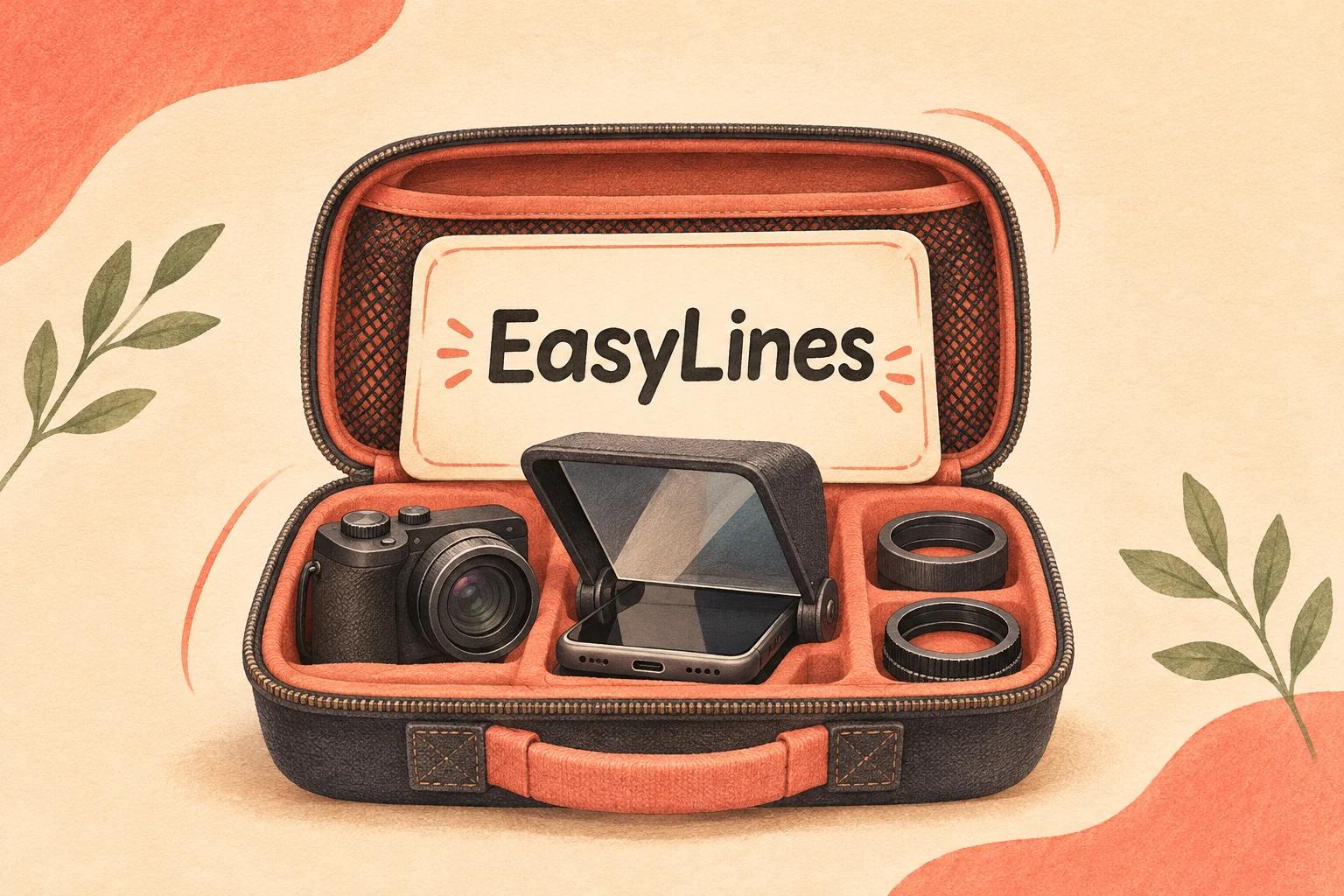
AI-generated editorial illustration.
On this page 8 sections
- 1. What are you actually buying for a travel setup?
- 2. Which compatibility details should you write down?
- 3. How can you test the picture before leaving?
- 4. What belongs in the portable kit?
- 5. When is a simpler phone workflow the better fit?
- 6. What should the location rehearsal include?
- 7. How can you prepare the spoken recording copy?
- 8. Frequently asked questions
Parrot Teleprompter can refer to Padcaster's prompting app or its physical camera kit, so plan a portable setup by identifying which one you need first. Check the exact mount, phone fit and reading distance before buying or packing a rig. EasyLines is an upcoming phone prompting and recording option; it is not a replacement for physical glass placed in front of a separate camera.
What are you actually buying for a travel setup?
Separate the reading software from the physical support and glass. An app can display the words, while a camera rig positions the reflected reading surface in front of the lens.
Checked 9 Nov 2026, Padcaster's Parrot app page says the app can run without additional teleprompter hardware. Its kit page describes mounting options for the physical product. That distinction matters when a shopping list says only “Parrot.” Ask whether the list refers to an installed application, a kit, or a specific kit revision. Do not assume an accessory shown in an old video is included in the current package. Match the exact current product listing and your equipment before deciding how much luggage space or setup time to reserve.
Which compatibility details should you write down?
Write down the camera, lens, mounting route and phone dimensions, including the case you intend to keep on. A product family's compatibility description does not confirm the fit of every individual combination.
Use a small equipment record: camera model, lens model, front attachment dimensions where relevant, support attachment, phone model and the kit's exact name. Then compare it with the current manufacturer's listing or ask the manufacturer about anything unclear. Avoid guessing from a photograph. If you already own the kit, assemble it with the actual lens and phone before packing. Check that the support holds the setup as intended and that the controls you need remain reachable. This is a planning checklist, not a claim that we tested a particular camera. A change of lens or phone case is enough reason to repeat the fit check.
How can you test the picture before leaving?
Record the intended framing through the assembled rig and review the saved picture. Check for an obstructed frame, unwanted reflections and readable prompting at your actual presenter distance.
Use your planned room position and lens setting, then read a short paragraph from the mounted phone. Watch the saved clip rather than relying only on the camera preview. If the setup introduces a visible edge or reflection, consult the kit guidance and change one relevant variable before repeating the test. Do not promise that a specific zoom adjustment or accessory will solve every obstruction. Mark a passing arrangement in your equipment notes so you can reconstruct it on location. Our glass-rig or phone-only guide helps with the broader setup decision; this checklist is specifically about taking a verified combination out of your normal recording space.
What belongs in the portable kit?
Pack the verified assembly, its required attachments and a protected copy of the script. Choose backups according to the failure that would stop your shoot, rather than adding every accessory you own.
A hypothetical packing note might read: “Camera and tested lens; Parrot kit with matching attachment; prompting phone; charged power source and correct cable; script saved on phone; printed outline; protective storage for glass.” Adapt it to the actual manufacturer's handling instructions and your equipment. Keep small mounting parts together in a labeled pouch. If one unique adapter is essential, give it a named place in the case instead of leaving it loose on the desk. Before closing the case, compare contents with the assembled setup. A packing photograph can help you notice an absent component, but it does not replace checking that the equipment still works.
When is a simpler phone workflow the better fit?
A phone-only workflow may fit a trip where you do not need a separate camera or an in-lens glass arrangement. A physical Parrot rig is worth evaluating when reading directly in front of that separate camera is the specific requirement.
Use the table to compare the job each route does. A separate camera rig brings equipment dependencies that a phone-only take may avoid, while a phone-only setup does not reproduce the geometry of a glass prompter in front of another lens. EasyLines is preparing to launch and focuses on script reading and recording. It is a future option to follow for a simpler iPhone route, not a kit you can pack today. If your shoot is imminent, choose available equipment that passes your own rehearsal. Keep the distinction between software availability and physical compatibility visible in your purchasing notes.
| Decision row | Parrot physical kit plus prompting app | Phone-only capture | EasyLines |
|---|---|---|---|
| Status | Current manufacturer listing | Use available equipment | Preparing to launch |
| Equipment route | Separate camera and verified glass assembly | Phone as capture device | Future app on supported Apple mobile device |
| Best-fit requirement | Read in front of separate camera lens | Travel without separate camera rig | Focused prompting and recording |
| Verify first | Exact mount, phone fit and saved frame | Lens proximity and delivery | Availability and actual launch scope |
What should the location rehearsal include?
Rebuild the kit from the case, load the spoken script and record a short complete take. That rehearses the travel workflow, including assembly and retrieval, rather than only testing an already assembled desk setup.
Prepare the message with the short-script pillar, and check eye movement with the natural-reading pillar. Note any small part or cable you had to fetch from elsewhere; it belongs in the packing decision. Also confirm you can read the script without relying on a connection that may be unavailable at the location. This is a recommendation to test your saved copy, not a statement about any app's offline features. Finish by reviewing the file and returning every required item to the case. That final reset makes your next setup more predictable without claiming that a checklist eliminates all location problems.
How can you prepare the spoken recording copy?
Keep the approved words in a separate recording copy and do a short read before the final take. Check the task-specific facts against the sources above, and keep production directions outside the spoken lines. EasyLines is preparing to launch and focuses on reading your script and recording your delivery. If that scope fits your future workflow, join the EasyLines waitlist. Use an available tool for work you need to complete today; the waitlist is not a download or a promised launch date.
Frequently asked questions
Do I need Parrot hardware to run the app?
Padcaster says its Parrot prompting app can run without additional teleprompter hardware. Physical in-lens prompting requires an appropriate setup of its own.
Will a kit fit every camera and phone?
Do not infer universal fit. Match the exact current kit, mounting route, lens and phone dimensions, or ask the manufacturer about an unclear combination.
What is the most useful packing rehearsal?
Rebuild the tested assembly from the packed case, load the script and review a saved take. Note every item you had to fetch elsewhere.
Is EasyLines a physical glass teleprompter?
No. It is an upcoming prompting and recording app, not a physical camera rig or a verified substitute for Parrot hardware.
Sources and further checks
Coming to iPhone and iPad
Put your next script on EasyLines.
A little help with the words. More room to be yourself. Join the waitlist and we’ll email you at launch.