Reduce glasses glare in talking-head video
Find which light is reflecting in your glasses, adjust its position, and check normal head movements before recording your full talking-head video.
 EasyLines team7 min read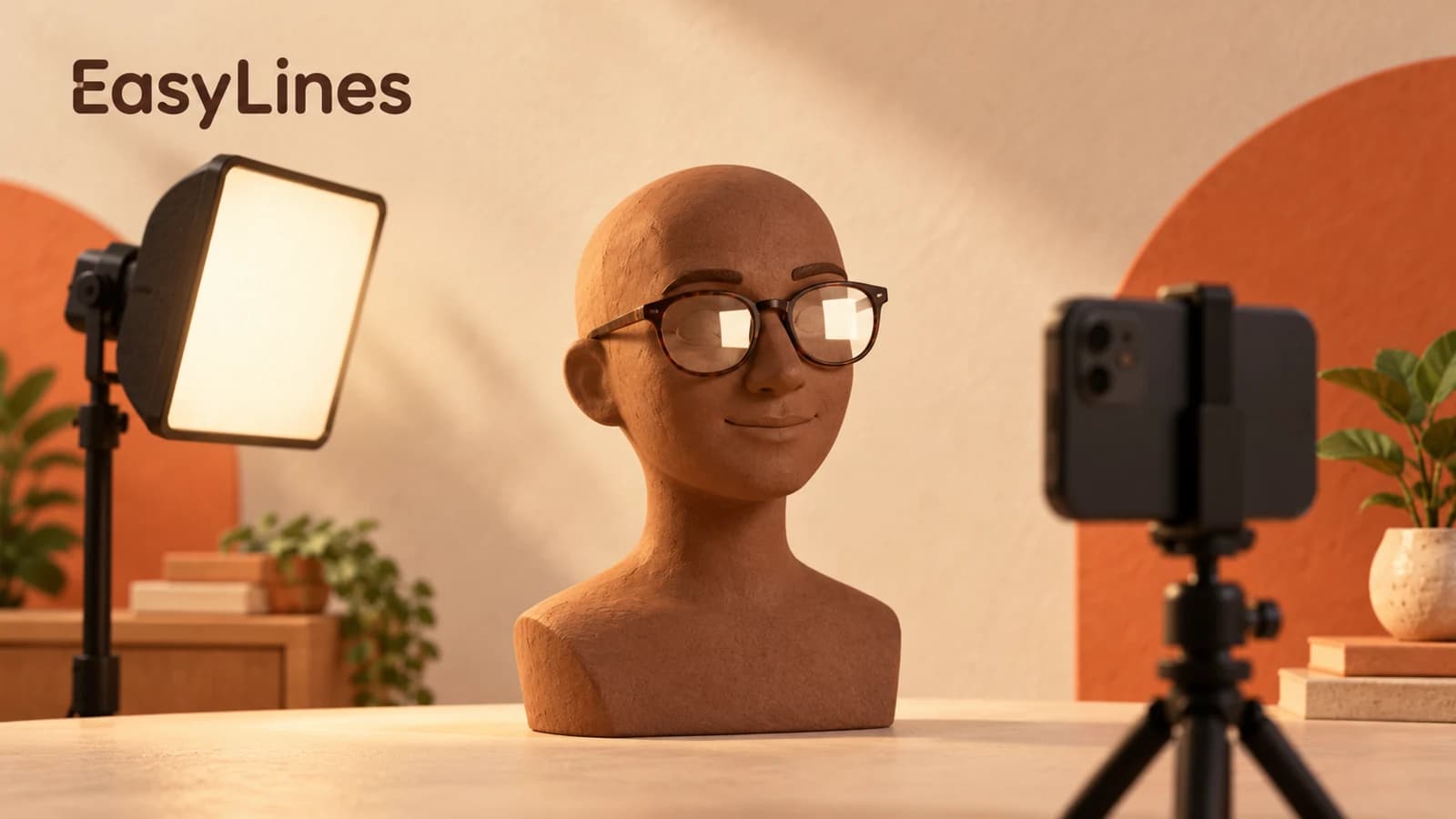
AI-generated editorial illustration.
On this page 7 sections
- 1. Identify what is covering your eyes
- 2. Switch off one suspected source at a time
- 3. Move the light while keeping your face comfortable
- 4. Handle windows and reading screens separately
- 5. Check the movements that will happen in the video
- 6. Use a short record of the arrangement
- 7. Frequently asked questions
To reduce glasses glare in a talking-head video, first identify the bright source reflected in your lenses. Keep the camera and your sitting position steady, move that source when possible, and save a test that includes ordinary head movements. A reflection-free pose is only useful if you can still read, gesture, and explain your point comfortably.
Identify what is covering your eyes
Look at a saved sample rather than inspecting your glasses in a mirror. Describe the shape that appears over your eyes: a round light, a bright rectangle, a window frame, or several small patches. The shape gives you a place to start looking around the room. Check both lenses separately. A setup can look clear over one eye while a strong reflection covers the other.
This is a focused reflection check. If your whole face is too dark or the background overwhelms it, start with the basic talking-head setup first. Once the face is reasonably clear, keep that general arrangement while troubleshooting the glasses. Otherwise you may solve the reflection by creating a picture that is too dark to use.
Switch off one suspected source at a time
Keep a short reference clip with the original arrangement. Turn off one movable lamp, record the same sentence, and check whether the matching shape disappears. Turn it back on before testing another source. For a suspected monitor reflection, temporarily darken that screen or turn it away while leaving the other lighting alone. These comparisons are a proposed diagnostic exercise, not a claim that every reflection has one simple cause.
Name your samples after the change: desk-lamp-off, monitor-dark, or curtain-closed. A note such as “rectangle disappeared when second screen went dark” identifies a next action. “Lighting looks odd” does not. If two sources create similar shapes, isolate them separately before moving either one. Stop the comparison as soon as you can identify the source that actually hides the eyes.
When the shape changes but does not disappear, keep that observation too. You may have found one contributor among several. Restore the source, test the next suspect, and compare the pair before deciding to darken the entire room. This keeps the experiment connected to the visible problem rather than to a guess about which equipment should be responsible.
Move the light while keeping your face comfortable
Rutgers’ video-recording guidance recommends placing additional lighting to the side and adjusting it until the eyeglass reflection is gone. Use that as the next experiment if a movable lamp is responsible. Move the lamp a small amount to one side, return to your usual posture, and save another sample. Compare the reflection and the face together.
If moving sideways is awkward in your room, try another secure light position, such as a modestly higher placement, and check it from the camera. The useful position depends on your arrangement; a fixed angle copied from a diagram may miss your actual lenses and posture. Keep the stand stable and cables away from your feet. Do not hold your chin in an unnatural position just to make a light placement work.
A change that clears the lenses but leaves one side of your face difficult to see needs another adjustment. Bring the source back toward a useful position and compare again. Work in small steps so you can return to a setting that was acceptable. You are looking for a workable compromise across the picture, rather than the cleanest single still frame.
Handle windows and reading screens separately
A window cannot move with the lamp. As a setup experiment, move your chair and camera together relative to it while keeping the framing similar. If the bright rectangle remains prominent, compare a position farther to the window’s side. Check the whole saved picture after each move, including the background. This is a comparison you can make in your room, not a claim that one angle works for every pair of glasses.
For a reading screen, compare a darker unused screen or a lower comfortable brightness on the screen you need. Keep the words readable from your recording position. If you start leaning forward or narrowing your eyes, restore a readable setting and try the light or seating arrangement instead. Glare troubleshooting should preserve the ability to deliver the script. A monitor that doubles as your main face light also needs separate consideration before you darken it.
Check the movements that will happen in the video
Record your opening, turn slightly as you normally would, glance at any demonstration, and return to the lens. Include the place where you smile or look down at an object. Play the clip at normal size and notice whether the reflection crosses your eyes during an important sentence. A clear opening does not establish that the rest of the explanation will stay clear.
Use a simple acceptance question: can a viewer see your eyes during the main explanation without you managing a special pose? A small reflection near a lens edge may be acceptable for your video. A bright patch that repeatedly covers both eyes is worth another adjustment. Decide from the communication task, not from whether a paused frame contains any reflection at all.
If the reflection returns only when reading, check whether you changed your head angle to follow the words. The natural-reading guide can help you review that arrangement. Keep the reading and lighting checks separate so you can tell which change helped.
Use a short record of the arrangement
Consider this hypothetical desk setup: a creator sits facing a phone, with a circular lamp beside the phone and a bright laptop behind it. The saved test shows a circle over one eye and a rectangle over the other. Turning off the lamp removes the circle, while darkening the laptop removes the rectangle. Those observations suggest two separate changes rather than one large lighting overhaul.
The creator moves the lamp sideways, closes the unused laptop, then records the same passage while looking down at a notebook and back up. If the eyes remain visible, the setup note records the lamp position, the closed screen, and the chair location. If the circle returns on the head turn, the next test changes the lamp again. This example illustrates the process; it reports no actual test result.
Keep that note with the script so the next session has a starting point. Repeat the movement check when daylight, seating, or the reading screen changes. Finish once the eyes are visible enough for the explanation and the posture feels ordinary. Continuing to chase a perfect reflection-free freeze frame can take time away from preparing the message.
- Identify the reflected shape in a saved sample.
- Isolate the suspected source before moving it.
- Check face visibility as well as the glasses.
- Record ordinary head movement before the full take.
Frequently asked questions
Should I take my glasses off?
You can keep the glasses you need to read comfortably. Start by changing the light or seating arrangement and reviewing a saved sample.
Why does my ring light show up in my lenses?
If the circular shape disappears when that light is switched off, it is the source to reposition. Compare a secure position farther to the side before changing the camera.
Will dimming my screen solve the problem?
Try it as a comparison when the screen appears responsible. Keep the text comfortably readable and restore the setting if reading becomes difficult.
Do I need to remove every reflection?
Use eye visibility during normal speech as the practical criterion. A faint reflection at the edge may be acceptable even when a paused frame reveals it.
Why does glare return when I move?
Your original check may only cover one pose. Include your usual turns, glances, and demonstration movements in the next test.
Sources and further checks
Coming to iPhone and iPad
Put your next script on EasyLines.
A little help with the words. More room to be yourself. Join the waitlist and we’ll email you at launch.